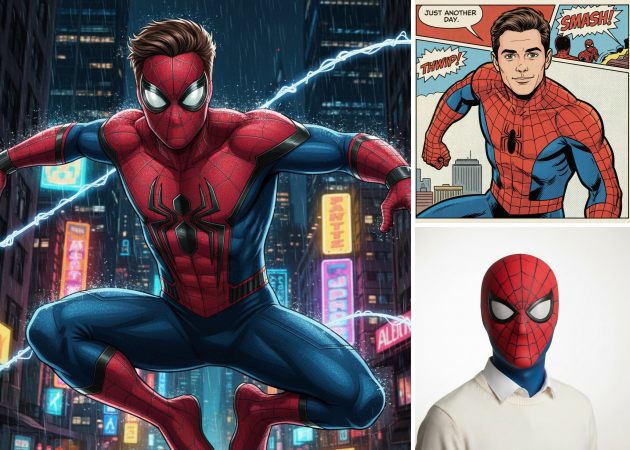
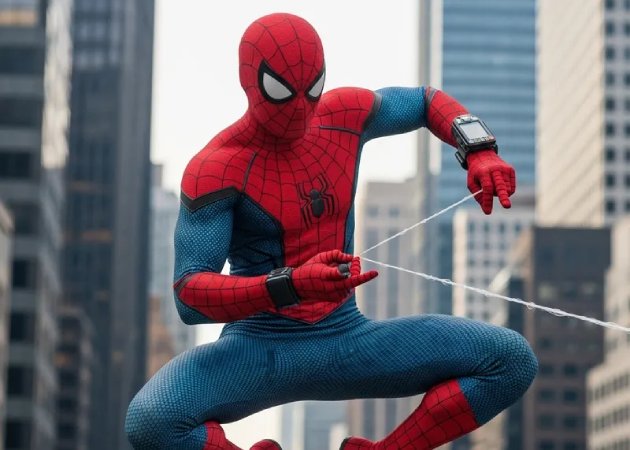
Turning your regular photo into a Spider-Man-themed avatar has never been this fun. Whether you want to jazz up your social media profile, create a gaming icon, or just share something playful with friends, this feature makes it easy. By simply uploading your image, you can see yourself in the iconic Spider-Man suit with crisp details and vibrant colors. It adds a creative twist to your pictures, letting you stand out online and have a bit of superhero fun. This is a perfect way to make your photo to Spiderman without needing advanced editing skills.
This smart AI Spider-Man filter carefully adjusts the suit, mask, and shadows to make the final image feel like a real-life superhero transformation. It applies the filter smartly to produce realistic Spider-Man-themed images. In addition, you don’t have to fuss with complicated settings; the tool handles the hard work. It’s also satisfying to see a photo transform seamlessly into a Spider-Man version of yourself. This makes it fun to share with friends, create avatars, or just experiment with a cool superhero look.


For fans of comics, the online Spider-Man filter brings the classic comic-book vibe to life. Your photo can be transformed with bold lines, dynamic colors, and a playful artistic style that looks straight out of a Spider-Man comic panel. It’s a way to tell a story with your image, giving it energy and personality. Whether you want to post it on Instagram, use it as a profile picture, or just explore your creative side, this feature makes it easy. You get that authentic comic effect without needing to know any drawing or editing tricks. Plus, it adds a fun, whimsical twist that will catch anyone’s attention online.
Adding dynamic expressions, superhero poses, and web-slinging effects makes your avatar feel alive and ready for action. With this feature, you can add a Spiderman filter to photos. You use simple text prompts to control how your Spider-Man looks, moves, or interacts with the environment. This is perfect for making your images more fun, unique, and expressive. Instead of a flat, static picture, you get a personalized creation that shows off your personality. It also sparks creativity—you can try different moods, poses, or even imaginative scenes.
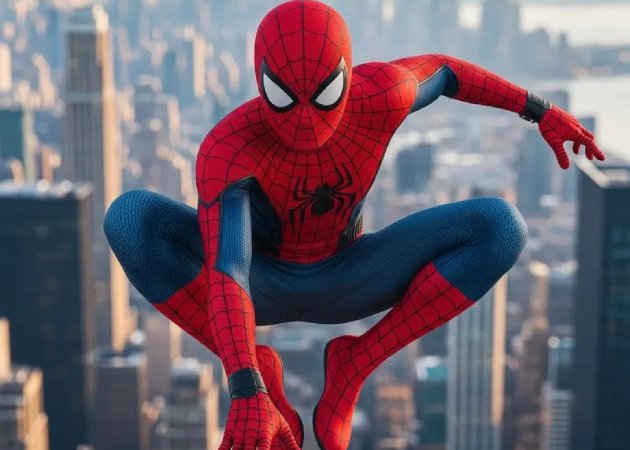


Enhance your photos with high-quality imagery that makes every detail feel vibrant and lifelike.
Easily refine your results with prompt editing to get exactly the image you envisioned.
Produce visuals with realistic output that look natural and professional every time.
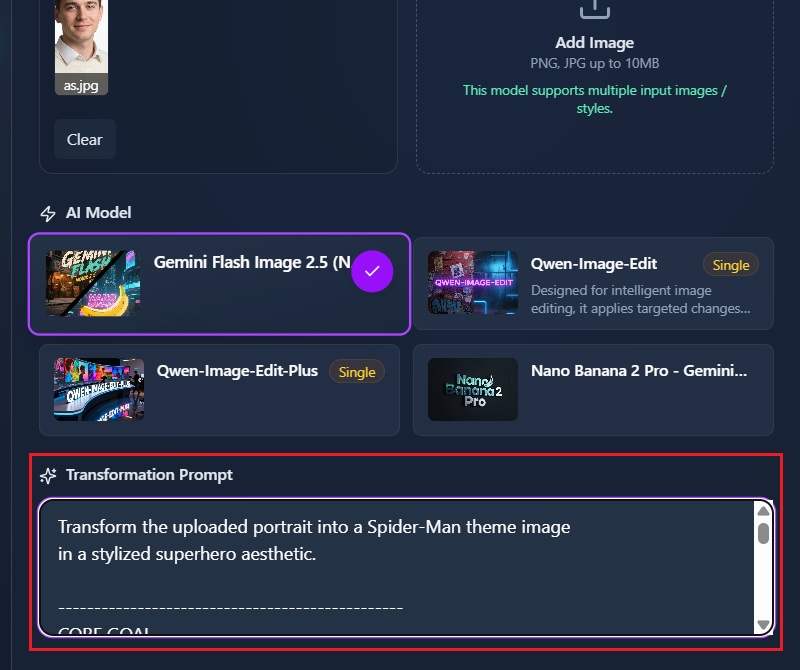
The Spider-Man filter online lets you turn your regular photos into superhero-style images. You start by uploading the photo you want to transform. Then type a descriptive prompt to tell the AI how you want the image to look. The AI reads your prompt and automatically applies the Spider-Man effect to your photo. You don’t need any editing skills to get a professional-looking result. It works with just a few clicks and gives you a fun way to see yourself as Spider-Man.
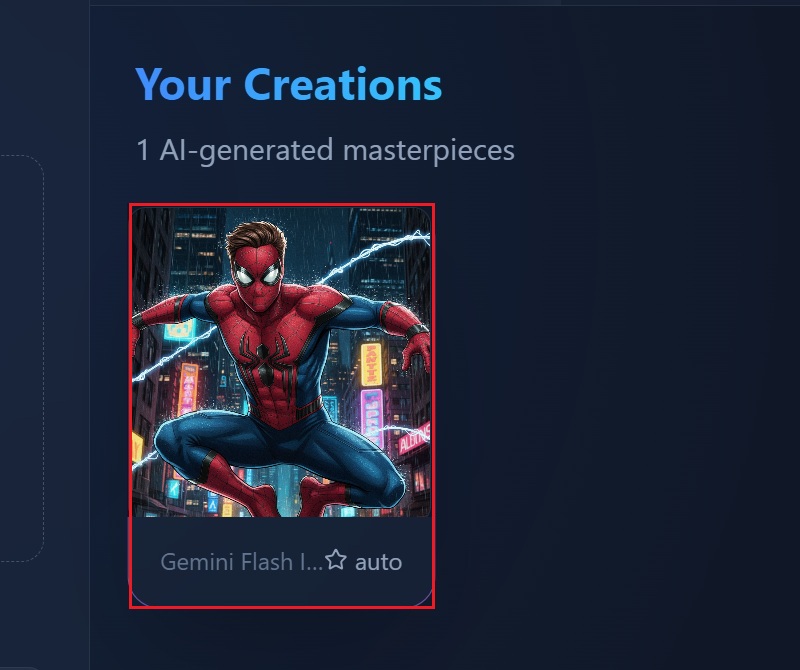
Applying the Spider-Man filter is very fast, usually taking only a few seconds. After you upload your photo and enter your prompt, the AI starts generating the effect immediately. You can see an instant preview of your image to check how it looks. If you want to make changes, you can quickly adjust your prompt and reapply the filter. This means you can experiment with different styles without waiting long periods. The quick process makes it easy to create multiple images in one session.
To make your Spider-Man photo into a meme, you need to be specific with your prompt. Describe the expression, pose, or scenario you want, such as “Spider-Man looking confused at a map” or “Spider-Man face with exaggerated surprise.” The AI will interpret your description and create a funny, shareable image. You can adjust the prompt until it captures the humor you want. Exaggerated emotions or unusual situations usually work best for meme-style images. Once the image is generated, you can save and share it easily online.
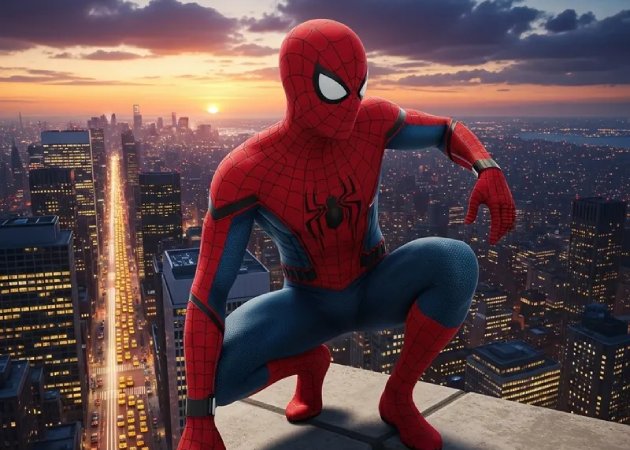
You can upload photos in common formats like PNG, JPG, and JPEG. These formats are widely supported and work well with the AI filter. You don’t need to convert your images before uploading, which saves time. The filter handles different sizes, so you can use selfies or larger pictures up to 10MB. If your image is high-resolution, the AI can still process it without losing quality. You just need to make sure the file is not too large for the platform’s upload limits. This makes it simple to use any photo you already have on your device.
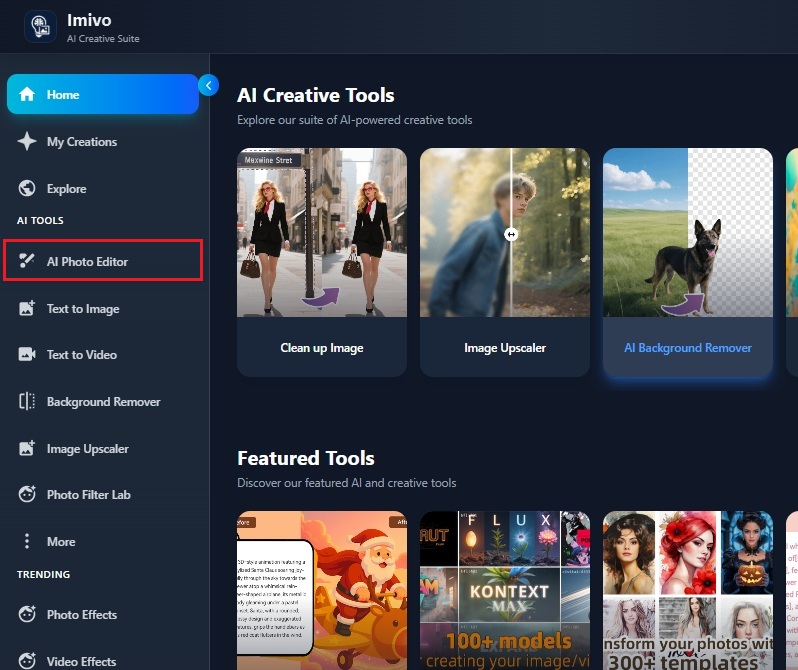
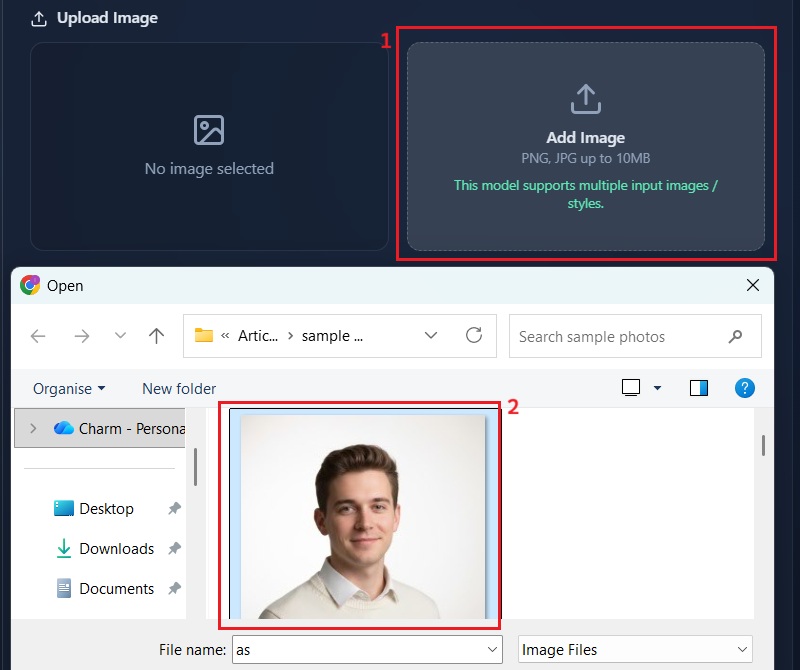
Using the Spider-Man filter is a fun way to transform your photos into superhero images. It adds a playful and creative element that makes your pictures more interesting. You can use it to entertain friends, create social media content, or just try something new. The filter lets you see yourself as Spider-Man without needing any drawing or editing skills. It can also be used to make funny or themed posts, especially if you enjoy memes. By turning ordinary photos into superhero-style images, you can make your posts stand out.