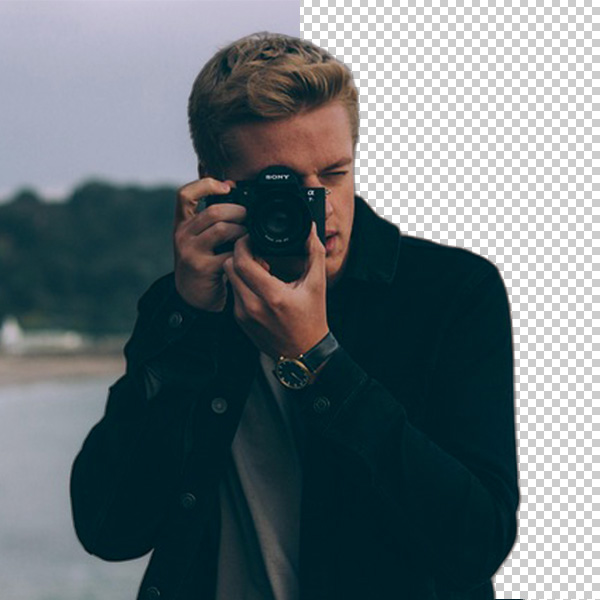
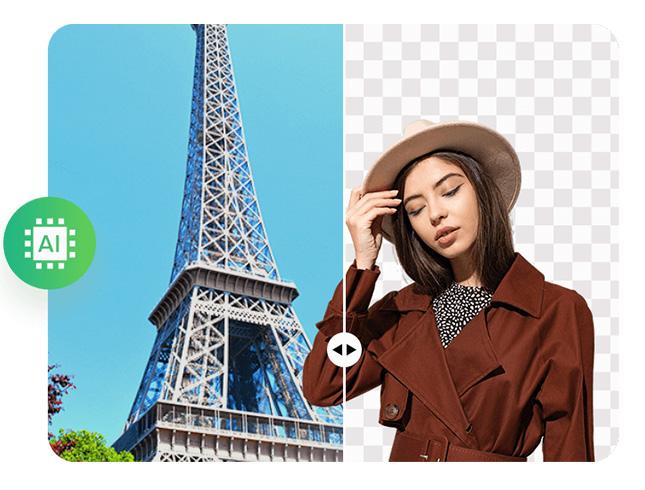
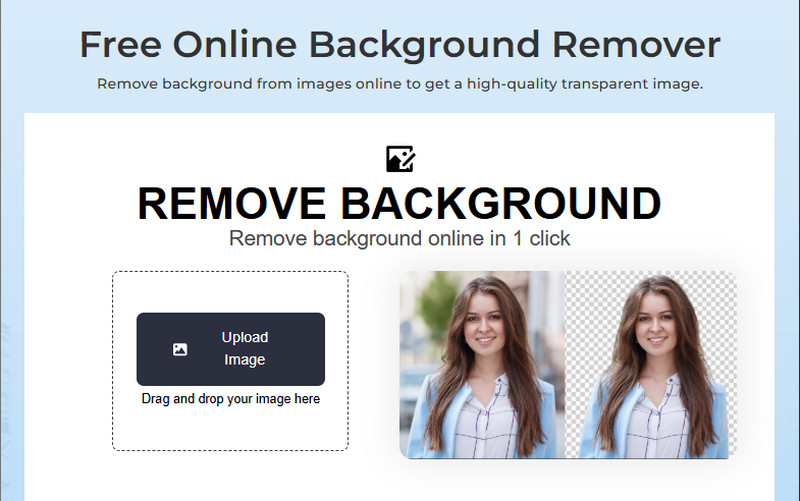
No more wasting time tracing edges or cutting out backgrounds by hand! Our tool does all the work for you in just one click. It's the easiest way to clean up photos, logos, or graphics with our PNG Maker free that actually feels effortless.
Whether you're editing a product shot or polishing a personal image, the background removal happens instantly. You upload, the tool automatically removes the background, and your image is ready to go. It's quick, accurate, and perfect for anyone who wants pro results without the hassle.
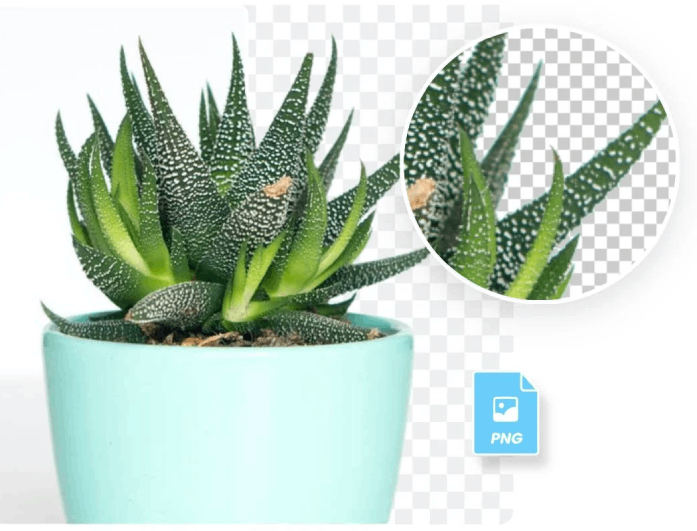
Getting a PNG transparent background has never been this easy. Once you remove the background, your image is ready to use anywhere, including websites, logos, social media posts, and even product catalogs. It looks clean and polished, and it blends perfectly into any design.
You don’t need fancy software or design experience to make it happen. It's ideal for anyone who wants to give visuals a sleek and modern look without extra effort.


When you're done editing, your new image is ready to go right away. No waiting, no confusing steps—just a smooth experience from upload to download. And best of all, you'll get a high-quality image with a transparent PNG background that's perfect for any use.
Simply save the image to your device and share your file instantly. It's fast, easy, and designed to fit perfectly into your creative flow. Whether you're making content for work or fun, this tool keeps things simple and satisfying.


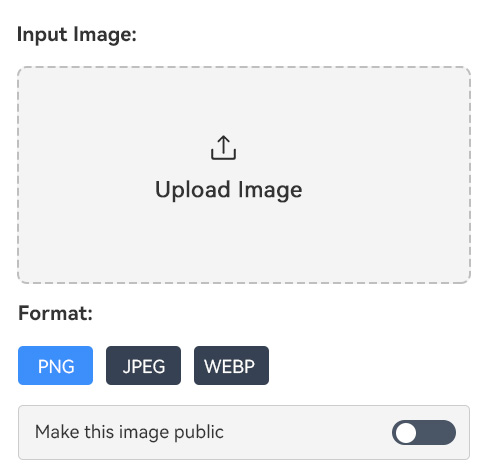
First, open our Transparent PNG Maker in your browser. Then use the "Upload Image" button on its homepage to upload the PNG image.
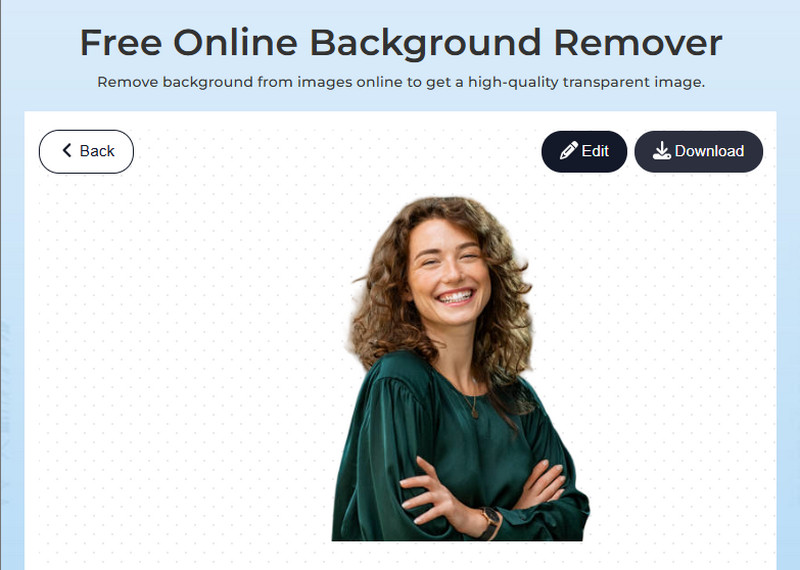
When the photo is uploaded, our tool starts analyzing it and automatically removes the background. Then, you can edit it if you desire, by clicking the "Edit" button above.
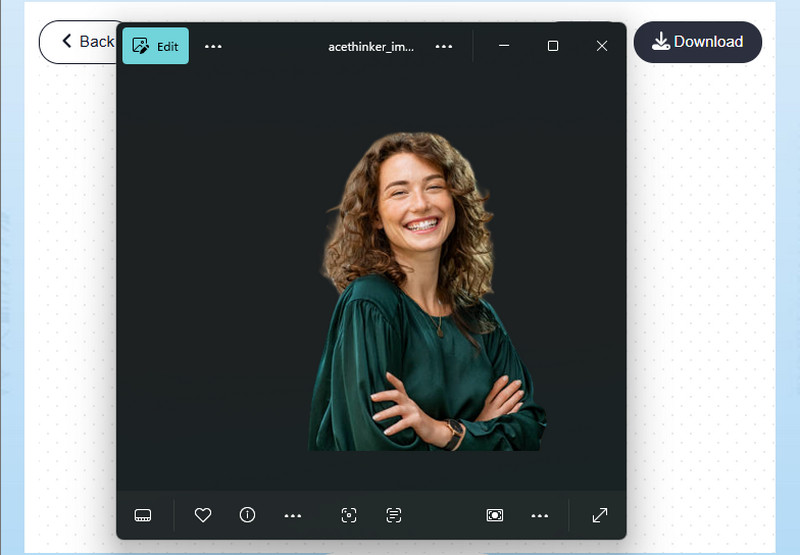
Once satisfied, click the "Download" button in the upper-right corner. Lastly, locate the downloaded image in your files and open it.
Transparent PNGs remove the solid background from an image, leaving only the main subject visible. This allows the image to blend smoothly into any background when used in designs or websites.
Yes, you can turn almost any photo into a transparent PNG using the tool. Whether it's a portrait, product shot, or logo, the background can be removed easily. Just upload your PNG image, and our tool will handle the rest automatically.
No, creating a transparent PNG won't lower the image quality at all. Our tool keeps your photo's original resolution and sharpness. You'll also get a clean, high-quality result that looks great in any project.
PNG files support transparency, while JPG files do not. This means a PNG can have invisible areas that blend into any background. JPGs, on the other hand, always have a solid white background, making them less flexible for design use.
Yes, our tool has editing tools that let you crop, resize, or adjust your image before downloading. You can make small tweaks to focus on the part you want to keep. This helps you get the perfect transparent PNG for your needs.