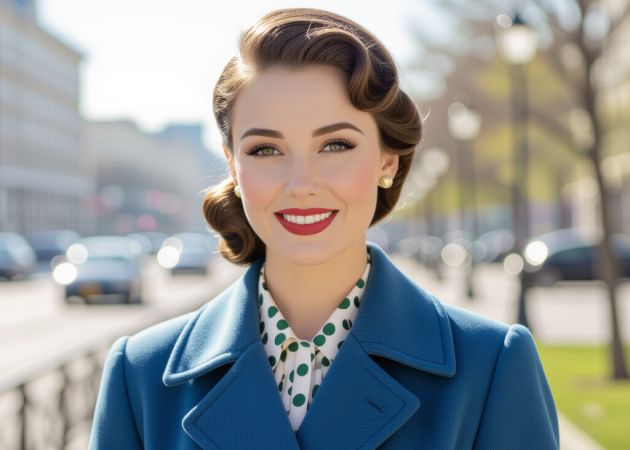
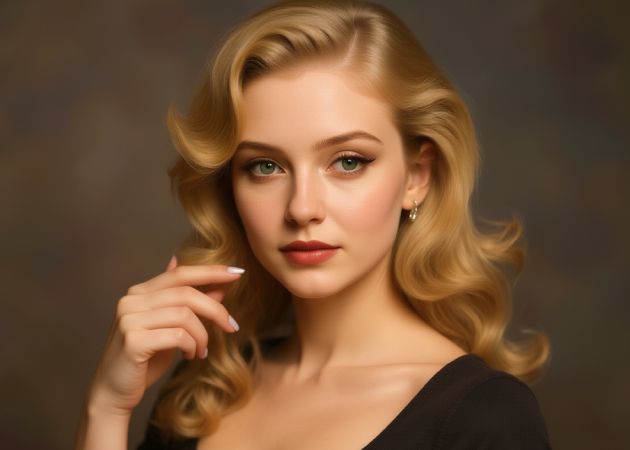
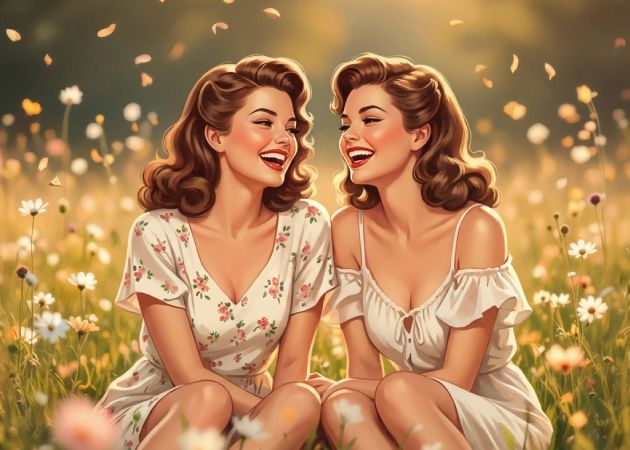
Giving your photo a retro vibe feels like adding a soft touch of old memories, and that's exactly what this vintage filter does. Instead of manually tweaking colors or guessing which tone feels "old-school," our AI Vintage filter instantly gives your image a nostalgic look. The faded colors, light grain, and gentle vintage mood make even a simple picture feel more meaningful. Since the tool does all the work, you get that classic, emotional feel without any effort. It’s an easy way to add vintage effect to photos while still keeping the original charm of your image.
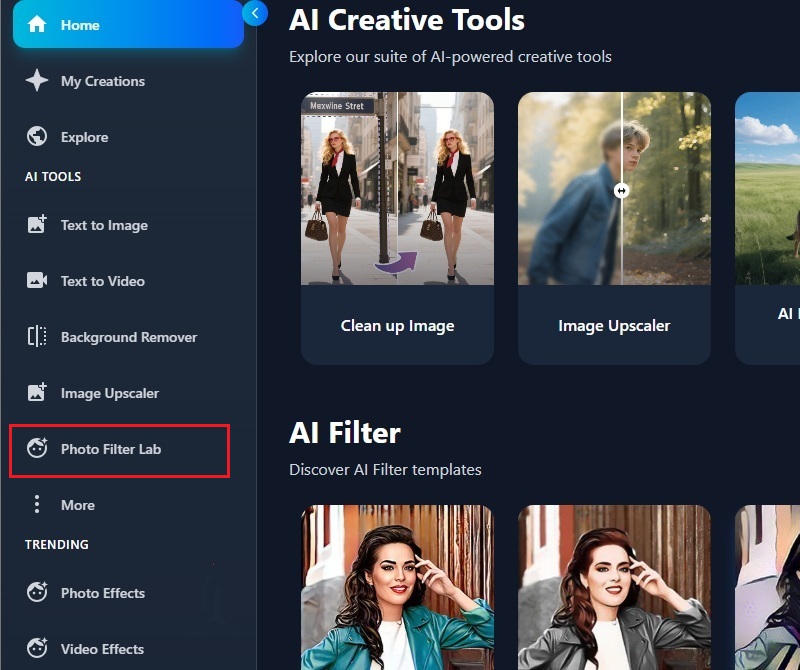
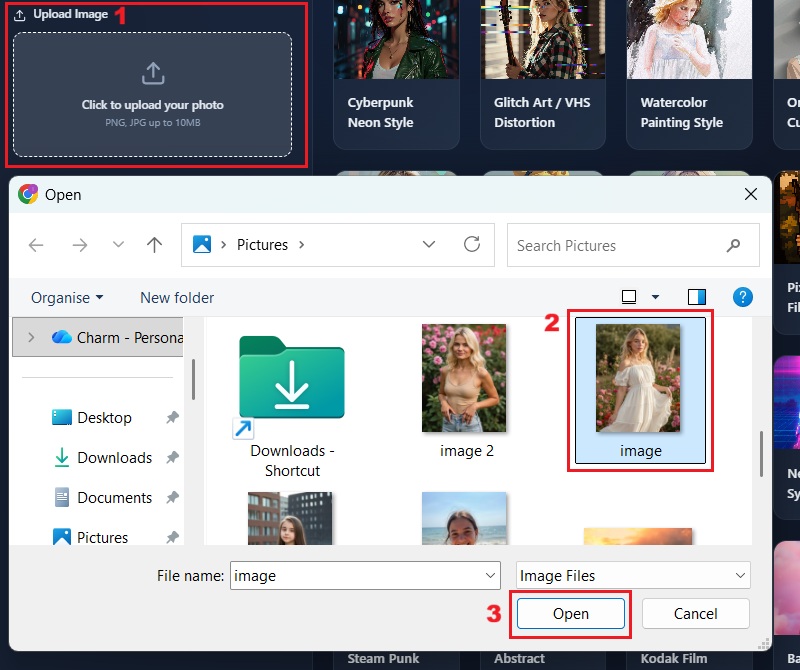
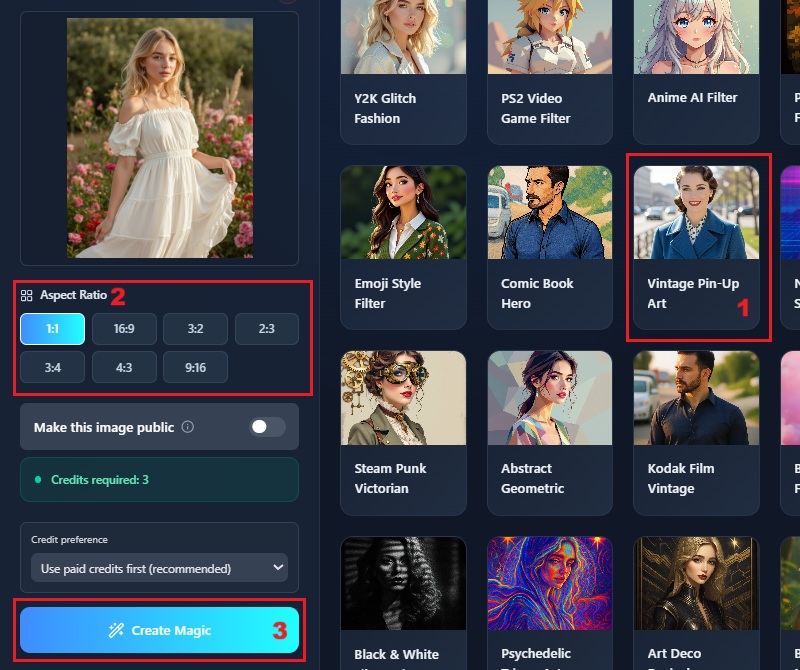
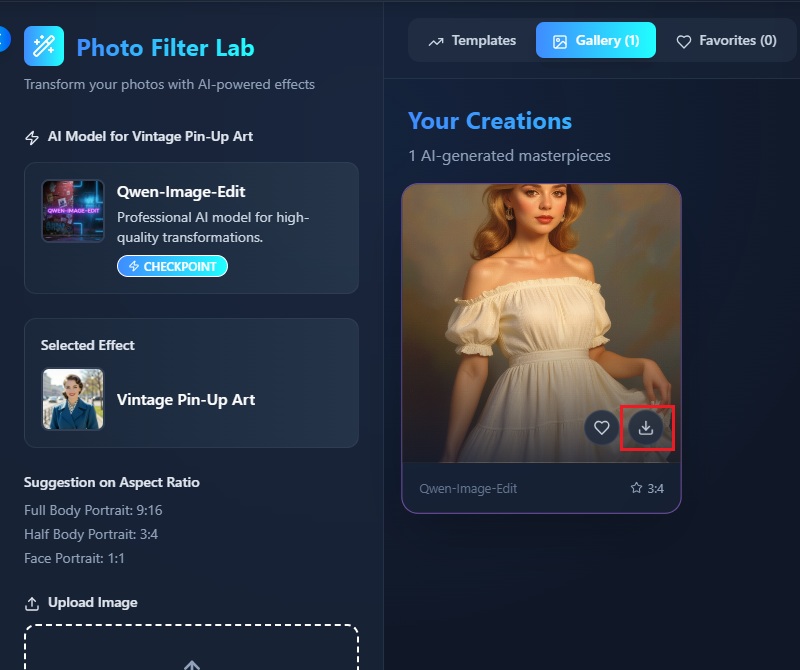
Using our AI vintage filter online feels easy from the very start. You just upload your photo, pick the vintage filter style, and the tool does the rest. Its simple design makes everything clear, so even first-time users feel confident right away. In addition, you don't have to deal with confusing sliders or tricky settings, since the tool automatically adds a vintage effect to photos. This really helps when you're in a hurry and just want a quick, clean edit without stress.


A vintage filter doesn't mean much if the final photo looks messy or low-quality, and that’s why this tool makes such a difference. Your picture stays clear and sharp, but still gets that soft, old-film look that makes it feel special. Even small details look natural, including the highlights and skin tones. You'll see how the filter adds charm without compromising your photographs' original quality, resulting in a clean, polished look. It delivers the kind of look you'd expect from a good AI vintage photo filter, but without needing any advanced editing skills.
It doesn't matter if you're editing on your laptop at home or on your phone while you’re out; our tool adjusts smoothly to whatever device you're using. The layout stays clean and easy to understand, so you don't deal with confusing buttons or slow menus. This makes it easy to add a vintage look to your images whenever inspiration strikes. Besides, it works well with popular browsers like Chrome, Safari, and Firefox, so you can use it wherever you're comfortable. And since it’s an online AI vintage filter, there’s nothing to install or update; just open it and start editing.



Your final images are completely free of watermarks, ensuring clean outputs every time.
All your uploaded photos are kept secure, ensuring your data remains private and protected throughout the process.
You can edit your images without ads, ensuring a smooth and distraction-free workflow.
A vintage filter gives your photos a retro and nostalgic look by adding warm tones, faded colors, and classic textures. You will notice that your images feel softer and more timeless. This effect can make ordinary photos appear artistic or like they were taken in a different era. It works well for portraits, landscapes, and even casual snapshots. Using a vintage filter helps you create a consistent style for social media or personal projects. It's a simple way to make your photos look stylish and classic..
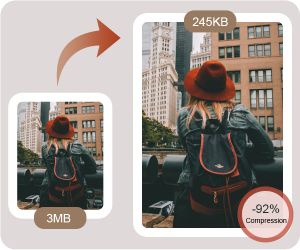
Currently, you can use our AI vintage filter with JPG and PNG files. Once you upload a photo in either format and select the vintage filter, the effect is applied right away. Other file types aren't supported yet, so you'll need to use these two formats for now. This keeps the process simple and avoids errors during upload. The filter works well with both small and high-resolution images, so you don't need to upscale or compress them. Since JPG and PNG are widely supported, they work smoothly across different platforms and devices.

Presently, this AI vintage filter online can only process one image at a time. However, the processing is very fast, so you can quickly apply the filter to multiple images consecutively. You just need to upload each photo and wait a few seconds for the effect to apply. The speed ensures that you won't waste much time, even without batch processing. This setup is useful for users who want high-quality results without complicated steps. You can repeat the process as many times as needed for different images.
The AI vintage filter applies the effect automatically and does not allow manual adjustments. You cannot change the intensity or style of the filter itself. Nonetheless, our AI Vintage Filter ensures that the output is in high resolution. Your photos will look natural, with a warm and nostalgic feel. This is helpful because you don't have to spend time manually tweaking settings. The automatic process saves you effort while still giving professional-looking results.
Yes, you can use your edited images directly for social media. The high-resolution output makes them look sharp on platforms like Instagram, Facebook, or Twitter. You don't need to resize or edit further before posting. The nostalgic effect helps your photos stand out in feeds and maintain a consistent style. You can use it for personal or professional accounts without worrying about quality. This makes it very convenient for content creators and casual users alike.