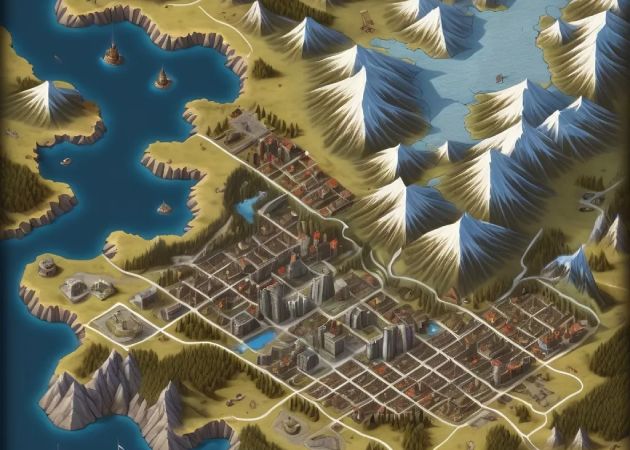
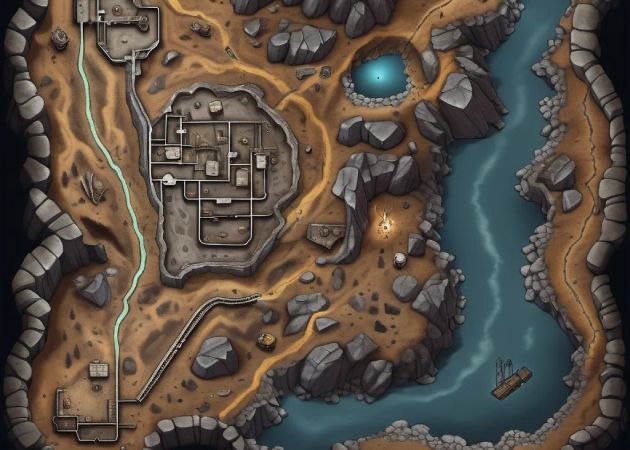
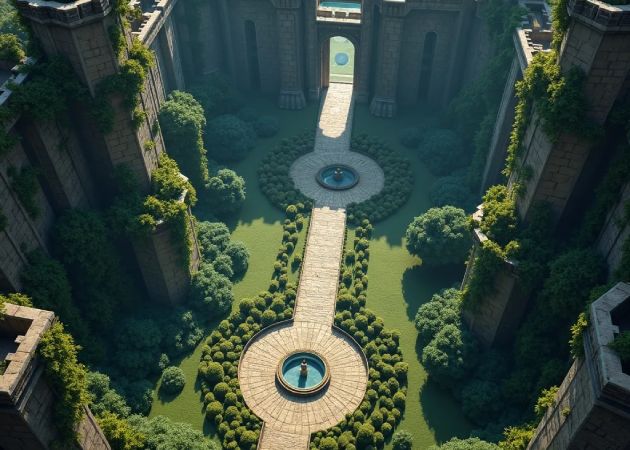
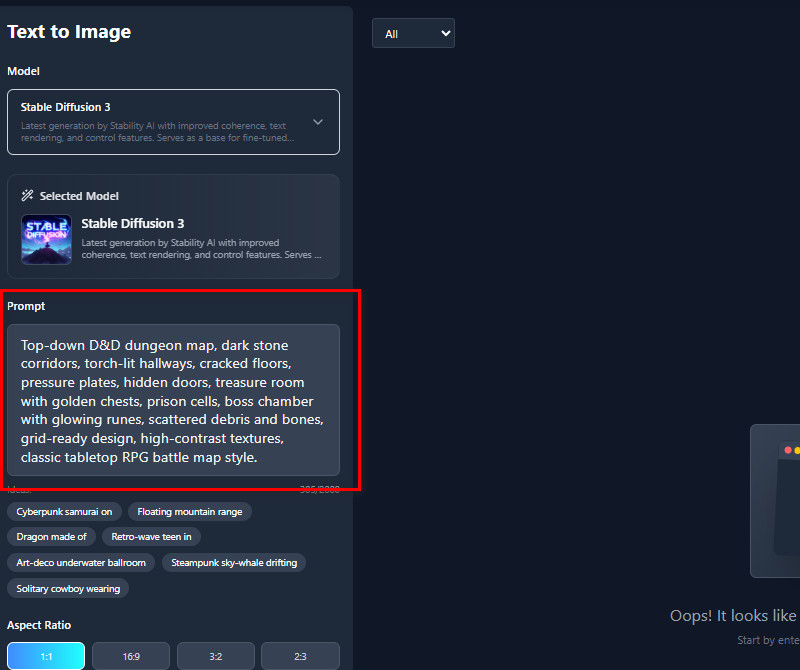
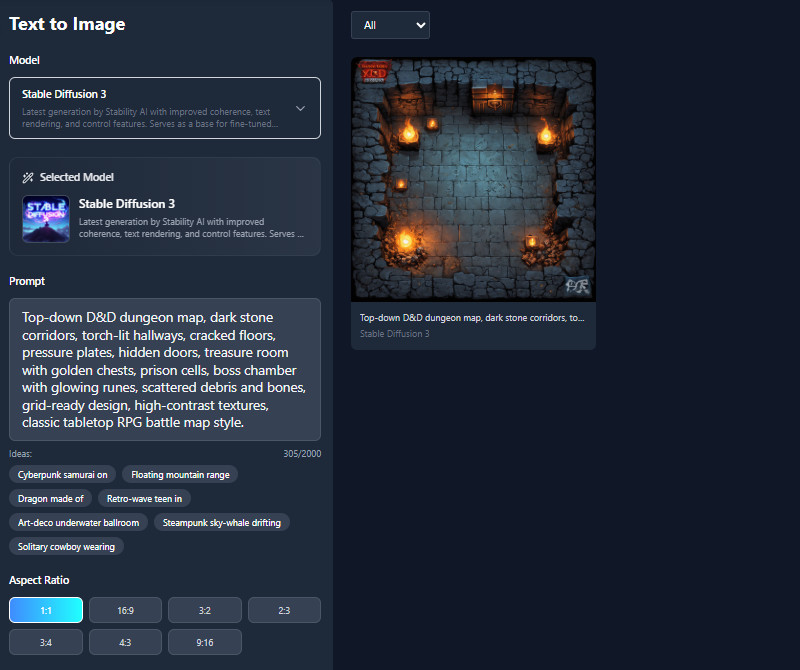
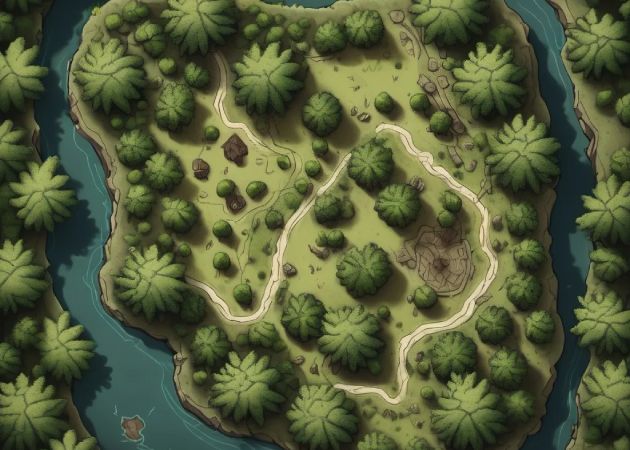
With an AI DND map generator, you can adjust every part of your map until it matches exactly what you want. As long as you have enough credits, you can edit your prompts multiple times. You can experiment with terrain, structures, and lighting until you get what you want. This makes it easy to try out different ideas without having to start from scratch. For example, you can turn a simple forest into a magical grove or a busy city in seconds. It's perfect for planning complex adventures because you can keep adjusting until everything fits your story. Overall, it gives you full control while saving time and effort.
This AI DnD map generator free lets you create full dungeons or fantasy worlds in just seconds. You only need to describe the layout or setting, and the AI will make a ready-to-use map. This saves hours of drawing and lets you focus on storytelling instead of technical work. Additionally, it's great for quickly preparing game sessions. Furthermore, if the map doesn't feel right, you can generate a new version instantly.


With the AI dungeons and dragons map generator, you can design maps in many styles, from classic hand-drawn to colorful fantasy or realistic, gritty visuals. This helps you match the map to your campaign or story mood. For example, a dark dungeon may look best in a realistic style, while a magical forest shines in a bright, artistic look. You can experiment with different styles until the map feels right. It encourages creativity without needing advanced art skills. The result is a professional-looking map that perfectly fits your vision.
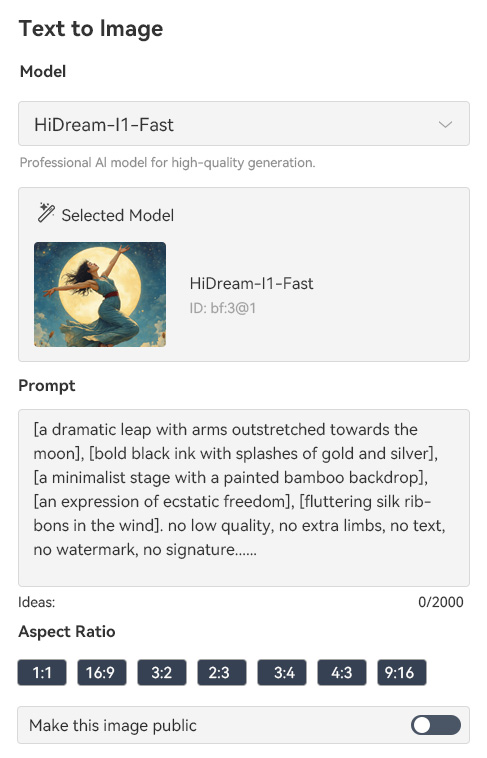
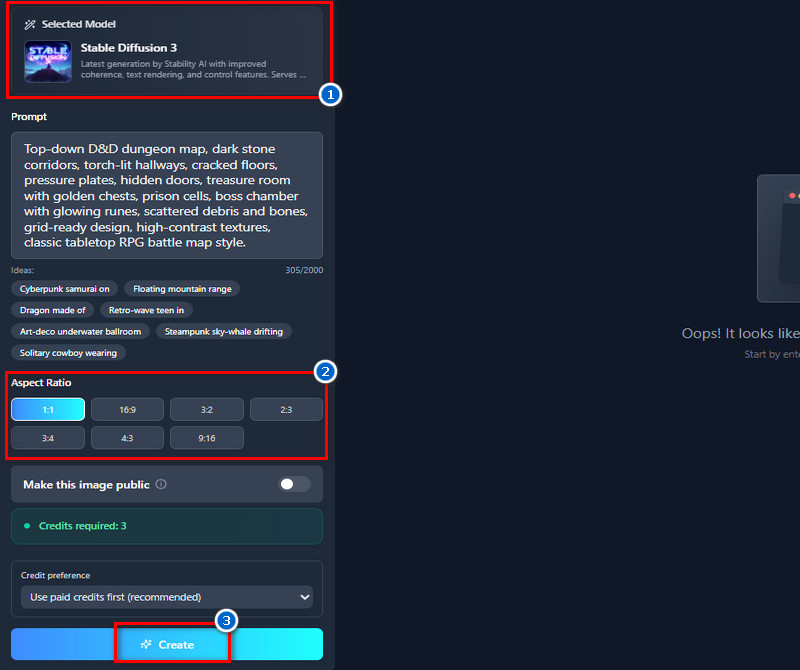
The AI D&D map generator lets you create maps in many sizes and aspect ratios, such as 1:1, 16:9, 3:2, 2:3, 3:4, 4:3, or 9:16. This ensures your maps fit perfectly on tabletop screens, for presentations, or for social media without extra resizing. Whether you need a square map for a grid or a widescreen view for cinematic scenes, the AI handles it effortlessly. You don't have to crop or adjust anything manually, which saves time. It makes planning encounters and adventures easier, no matter where you want to use the maps.


You can create maps or images just by describing them in words.
The tool is simple and intuitive, so anyone can create maps or images without prior experience.
You can easily share your creations on social media, messaging apps, or anywhere online.
Yes, you can create maps for any D&D edition or specific setting. You need to include the edition or setting in your prompt when describing the map. For example, you can specify “5th edition dungeon” or “Forgotten Realms city.” Then, the AI will use that information to generate a map that matches your description. This makes it easier to get maps that fit the rules and style of your campaign. It lets you plan adventures without worrying about later adjusting generic maps.

The detail of the maps depends mostly on how specific your description is. If you provide more information about terrain, buildings, and landmarks, the AI can create a more complex map. On the other hand, simple prompts will give simpler maps, which can be fine for quick planning. You can always generate multiple versions and refine them until you get the level of detail you want. This flexibility helps whether you need a rough sketch or a fully detailed map. It lets you control how much work the AI puts into the visuals.


Yes, you can access the AI DnD map generator on your mobile device. Since it is web-based, it works on any browser without needing an app. This means you can create maps on the go, whether you’re at home or at a game session. The interface is also optimized for smaller screens. It allows you to adjust prompts and generate maps just like on a desktop. The tool also makes it very convenient for DMs and players who need quick visuals.

No, there are no strict limits on how many maps you can create. The main requirement is having enough credits to generate the maps. As long as you have credits, you can make as many maps as you want for different sessions or campaigns. This is useful when you want to create multiple adventures or test different layouts. You can experiment freely without worrying about hitting a limit. It gives you full flexibility to explore creative ideas.
Yes, maps generated by this AI can be used for commercial purposes. You don’t need to pay extra or request permission to use them in projects or publications. This means you can include them in games, books, or online content without legal issues. It’s very helpful for creators who need professional-looking maps quickly. You can also use the visuals to sell products or enhance your work freely. This ensures the maps are practical for both hobbyists and professionals.