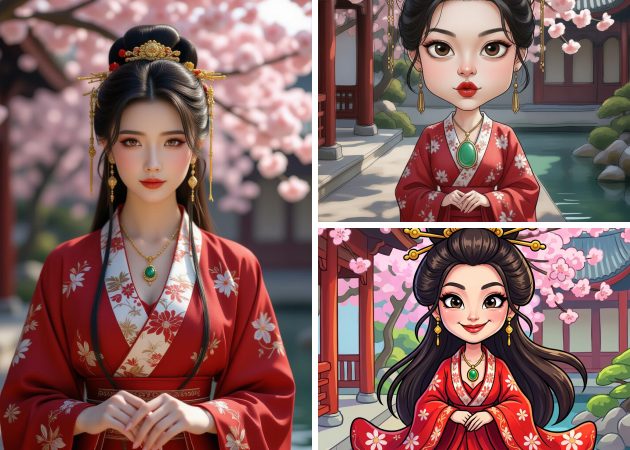
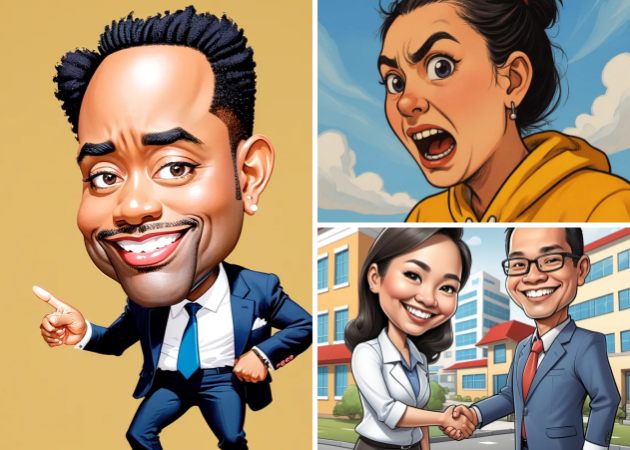
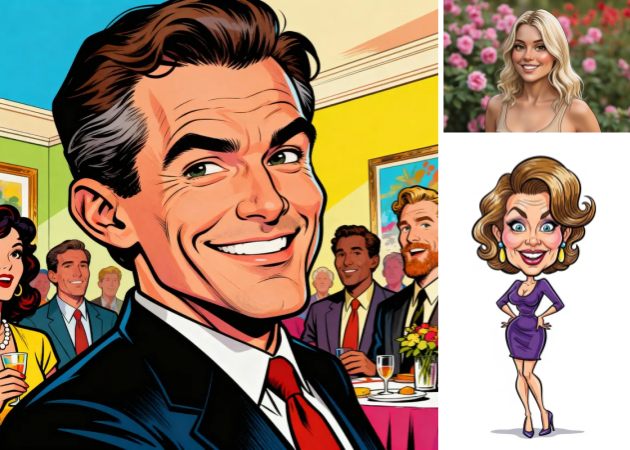
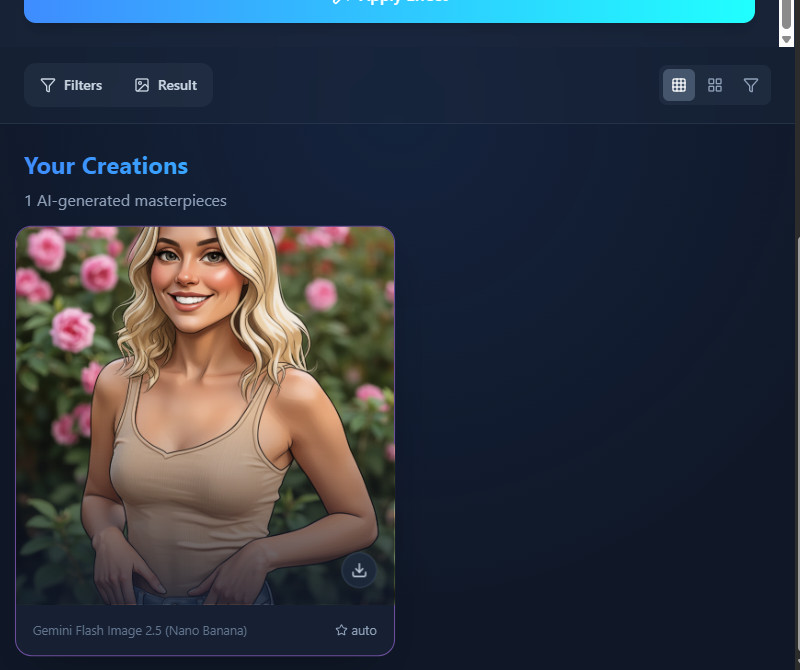
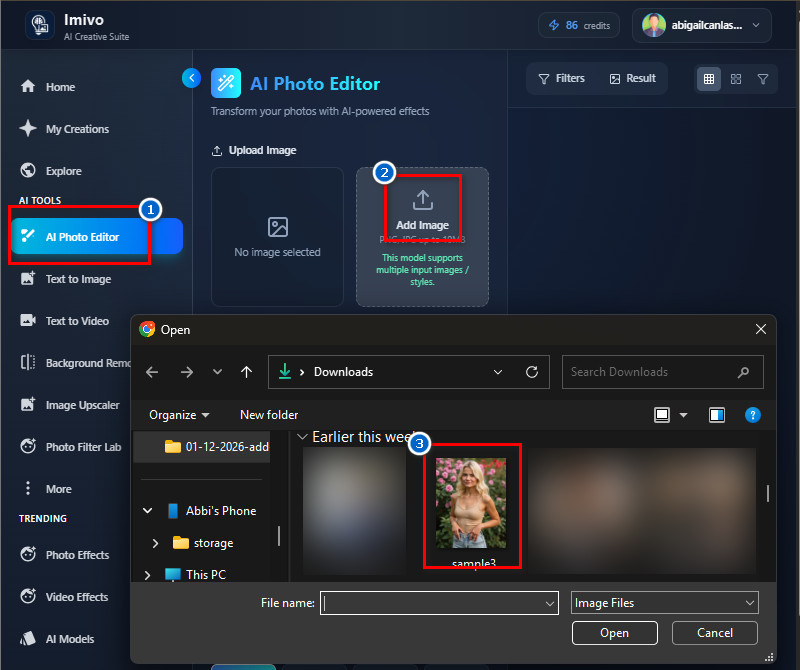
Bring your portraits to life in a fun way as you easily convert photo to caricature online using our simple editor. The tool takes your normal picture and changes it into a playful caricature while keeping the main facial details clear. For example, you can turn a serious ID photo into a smiling cartoon-style portrait in seconds. This is perfect for profile photos, gifts, or social posts. You only need to upload your image, and the system will handle the rest. The result looks creative but still feels like you.
This free caricature maker online is made for everyone, so no design skills are needed. You do not need to learn any editing tools because everything is guided and easy to follow. Even first-time users can create their first caricature in a few clicks. It is ideal for students, small business owners, or anyone who wants to try something fun. You can also use this tool on any device with a browser. This makes caricature creation open to all users.
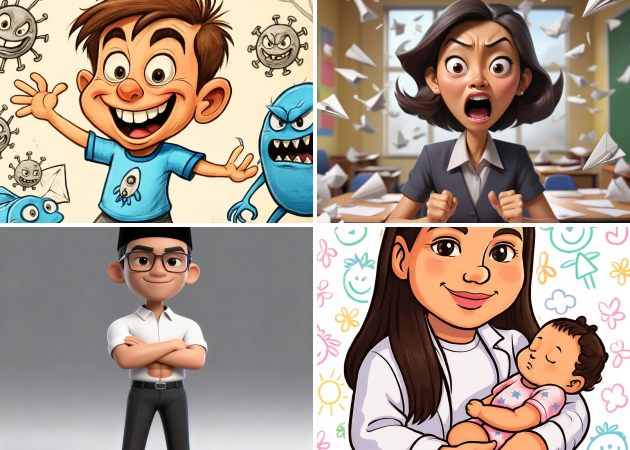

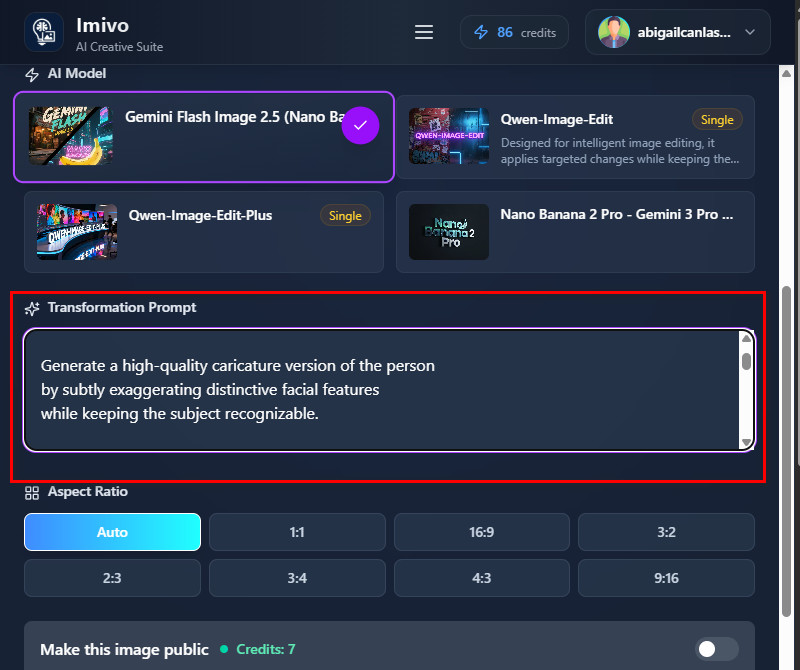
Take control of your edits with our smart photo to caricature AI that listens to your text instructions. You can type what you want, such as “make my smile wider” or “add playful cartoon eyes,” and the tool will follow your request. This means you are not limited to a single fixed style and can adjust the results to your liking. It feels like talking to a designer who understands your ideas. The process is fast and removes the need for complex menus. Your words guide how your image will change.
Enjoy natural-looking results when you use our photo to caricature online free, which focuses on accuracy. The AI keeps your real facial shape, skin tone, and key details while applying only the changes you describe. For example, if you only ask for bigger eyes, nothing else in your face will be altered. This makes the output look personal and not overdone. You stay in control of what changes and what stays the same. The final caricature still feels like you.


Edit and enhance your photos automatically with an intelligent AI tool that saves time and improves results.
All your photos are secure, and the tool does not store or share your personal images.
Try the full features of the app without paying, so you can explore its capabilities before committing.
A caricature is a funny or exaggerated picture of a person that highlights their most noticeable features to make them look playful or amusing. It usually makes things like a big nose, small eyes, or special expressions stand out, while leaving out less important details. Caricatures can be drawings, cartoons, or even funny written or spoken descriptions. People use them for entertainment, satire, or to make a point, depending on the situation. That’s why caricatures are popular for gifts, social media, and creative projects. A good caricature makes certain traits bigger but still keeps the person easy to recognize and fun.
You can use almost any photo with this tool. Clear images where the subject is visible and well-lit usually work best. For example, selfies, portrait photos, or even group shots with a clear main person are suitable. However, photos with blurry or very dark areas may affect the final caricature. Besides, the AI will try to enhance and read the features regardless of the photo. Overall, simple, clear photos get the best, most accurate results.
Yes, you can customize all of these because the tool is prompt-based. You just need to describe what you want in the text prompt, and the AI will follow your instructions. For example, you can write “Change outfit to a superhero costume” or “Place the person in a beach background.” You can also adjust poses slightly, such as tilting the head or smiling more. The AI gives you freedom to create exactly what you imagined. This makes the tool flexible for creative projects or personal use.
Yes, you can use the caricatures commercially if the original photo is yours. This means you can sell, print, or share the image without infringing on copyright. The AI does not claim ownership of your edited images. However, it is best to avoid using photos taken from the internet without permission. Moreover, commercial use includes social media content, marketing materials, or merchandise. You remain free to use the images as long as they are yours.
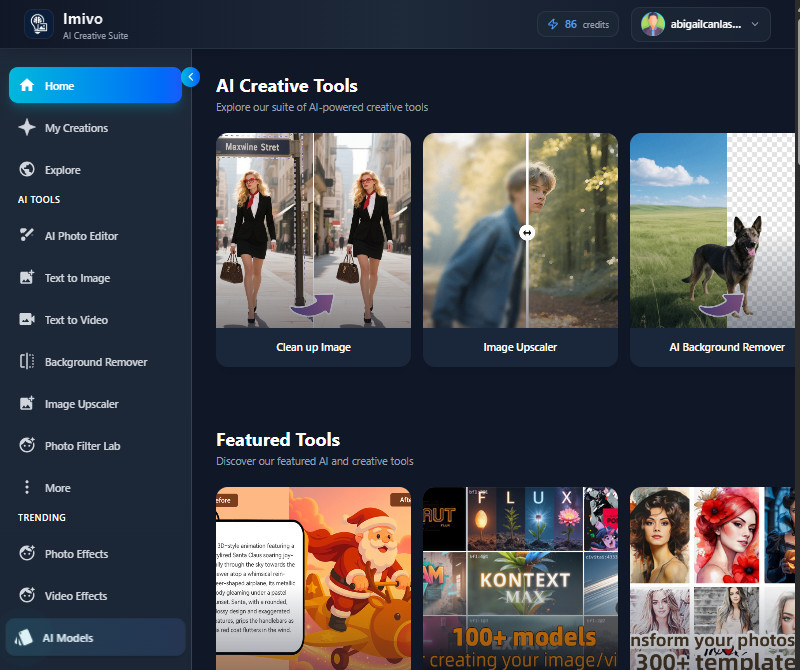
Yes, an account is required to use this tool. Signing up ensures that all your generated and edited photos are saved to your account. This makes it easy to access them later without re-uploading. The account also helps track your usage and credits if needed. Furthermore, creating an account is simple and free for getting started. It adds convenience and security for your work on the platform.