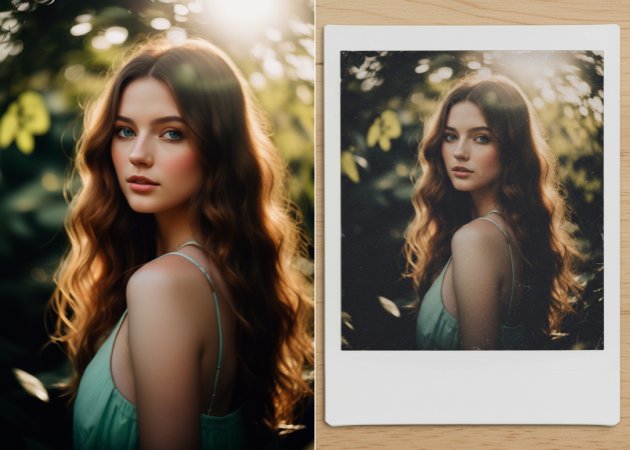
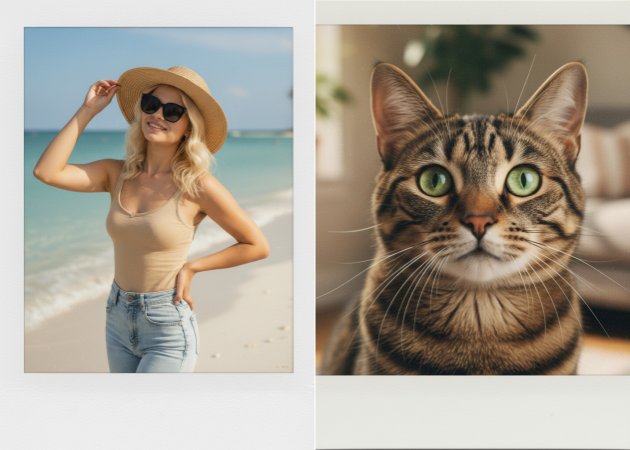
Show off your creativity by making your own Polaroid edges. With our Photo to Polaroid tool, you can change the frames and borders just the way you like. By typing in simple instructions, you can pick styles, colors, and sizes that fit your idea. For example, you can make a thick border for a bold look or a thin one for a softer, classy style. This lets every polaroid feel special and one-of-a-kind. It’s great for making photos to share online, give as gifts, or keep in your own collection.
Get top-quality results on every project with clear, high-resolution images. This convert Photo to Polaroid online tool saves pictures as JPG files, so they work on any device or website. Whether you print your polaroid's for photo albums or share them online, the pictures stay sharp and clear. The tool keeps the colors and edges looking good, so every photo looks its best. You don't need any other programs to maintain high quality. This makes it great for both personal memories and work projects.
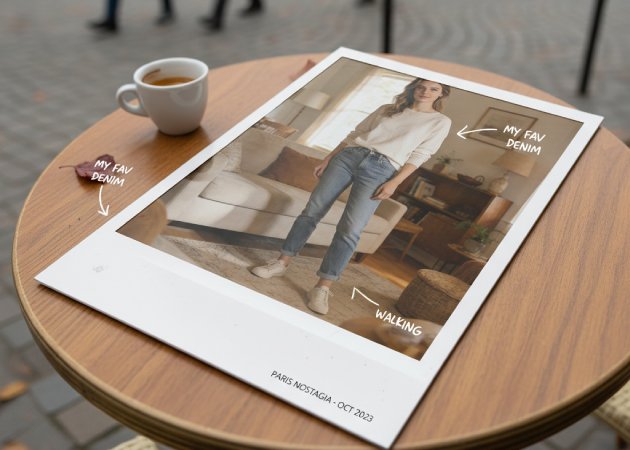

Give your photos an old-school or retro feel with just one click. With this Photo to Polaroid filter, you can add old, faded, or warm colors to your photos, depending on your preference. For example, a travel photo can look like a sunny memory, or a birthday picture can feel timeless. The tool adds the filter smoothly and naturally, so your photos still look real. You can try different filter strengths to get the look you want. This makes every Polaroid feel like it was taken with a classic instant camera.
Easily turn regular photos into a set ready for a retro-style album. With this Polaroid Photo Maker, you can change and decorate photos with frames, borders, and old-fashioned filters. It gets each picture ready so you can put them in any photo book or online album you want. It’s perfect for saving memories from trips, special events, or daily life in a nostalgic way. Each photo stays clear while getting the look of a classic Polaroid. This helps you make photos that look great together in your own album.


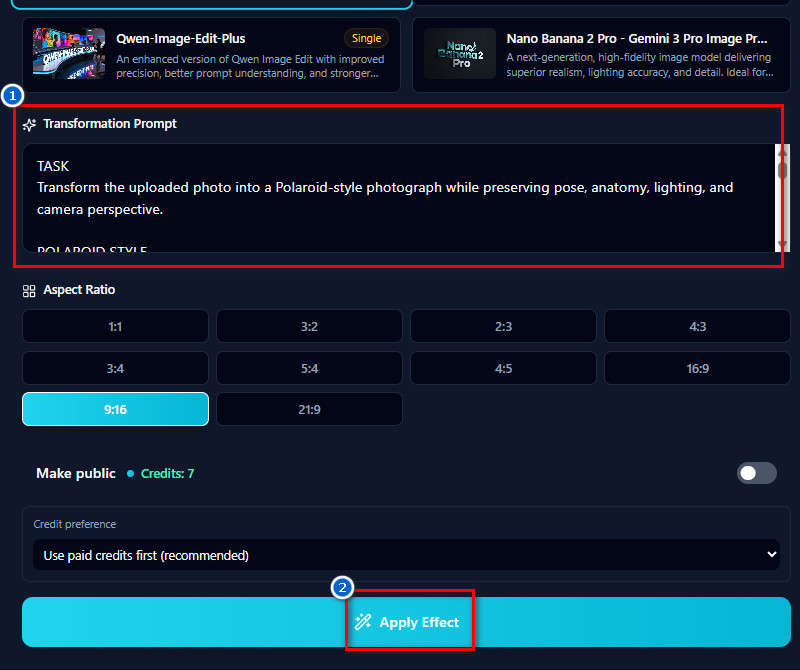
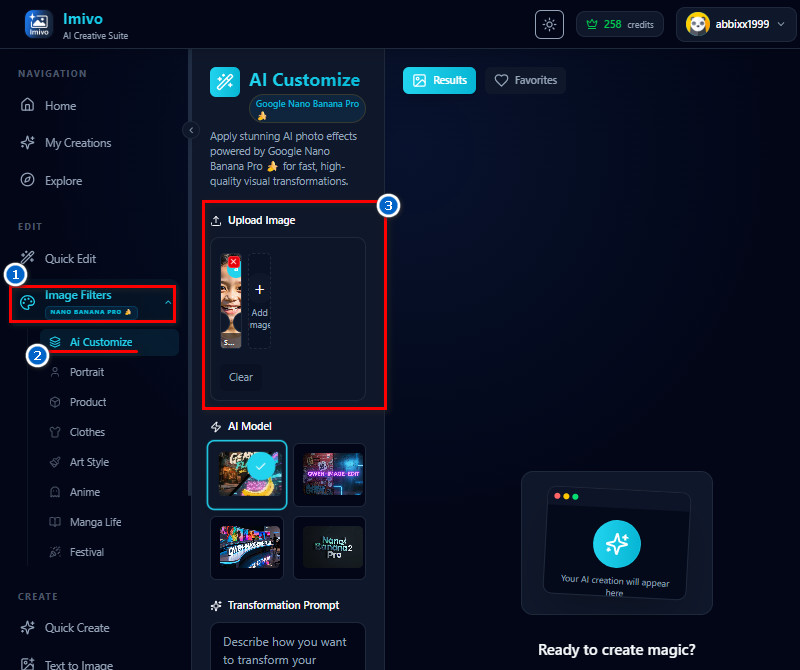
The tool uses the Nano-Banana AI model to deliver fast and accurate results for all your photo edits.
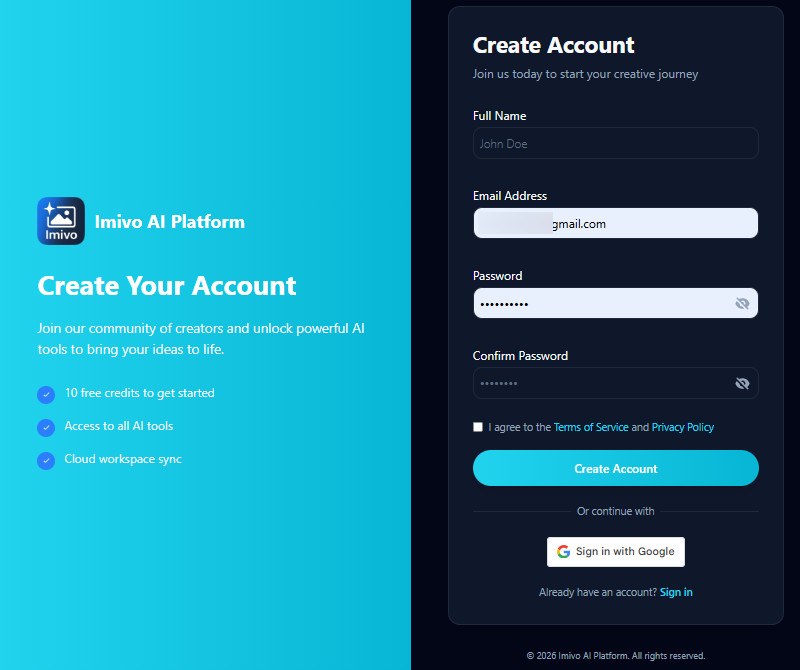
New users receive 10 free credits when they sign up to try the tool immediately.
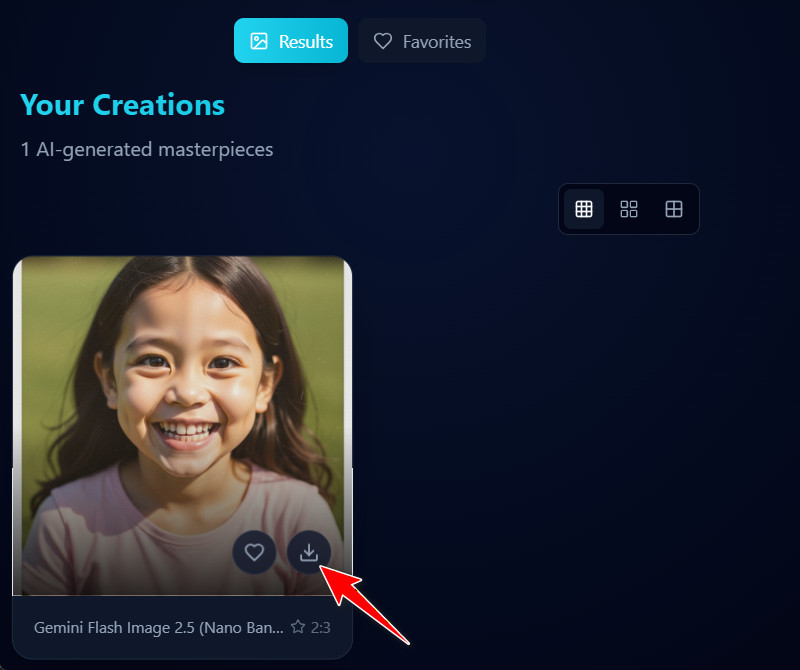
You can download your edited photos without watermarks for clean, professional use.
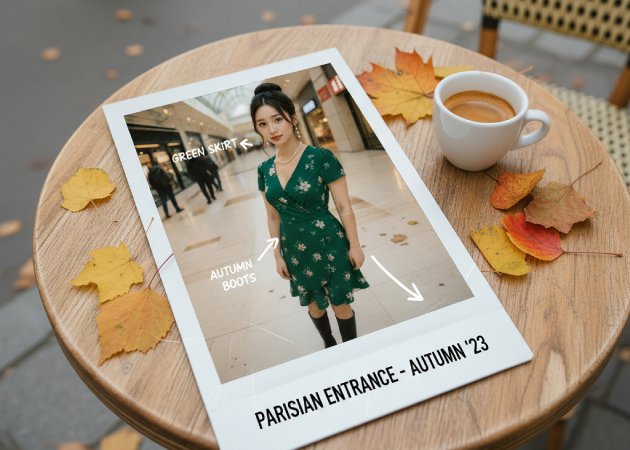
Yes, you can add text to your Polaroid image. The tool lets you include any text in your prompt. You just need to write the text when describing your desired result. The AI will place it naturally in the photo. This makes it easy to add captions, dates, or notes. You don’t need extra editing software to do this.
The tool works with almost any kind of photo. You can use selfies, pictures of scenery, or even drawings. Clearer images might look a little better, but you do not need them. The AI changes the photo to fit the Polaroid frame. It can also add borders and filters the same way each time. This makes it easy to turn any picture into a Polaroid-style photo.
Yes, the tool lets you choose from different frame shapes, such as squares or rectangles. You can choose the photo size that works best for your photo. The AI will change the image to fit the frame you pick. This lets you make both square and rectangular Polaroid pictures. You can try out different shapes to see which one you like best. It is easy to change things to fit what you want.
No, there are no limits on how many photos you can edit. You just need enough credits for each edit. Each Polaroid picture uses 7 credits. If you run out, you can buy more in the app. This lets you keep editing as much as you want. The system helps you manage your edits without extra rules.
No, you do not need any special software to use the tool. Everything happens online on the website or app. You just need a browser and the internet. The AI does all the editing for you. You can make Polaroid pictures without learning any hard programs. This makes it easy for everyone to use.