










Compress Business PDFs for Storage, Archiving, and Workflow Efficiency
Reduce file sizes for contracts, reports, and internal documents while preserving print quality, layout integrity, and compliance-ready formatting. Use batch compression to manage large document sets efficiently for secure storage, archiving, and enterprise workflows.
star
star
star
star_half

Lightweight PDF Preparation Before Pro Compression
Compress PDFs for Work Documents With High Quality
Compress Work PDFs Without Losing Layout Integrity
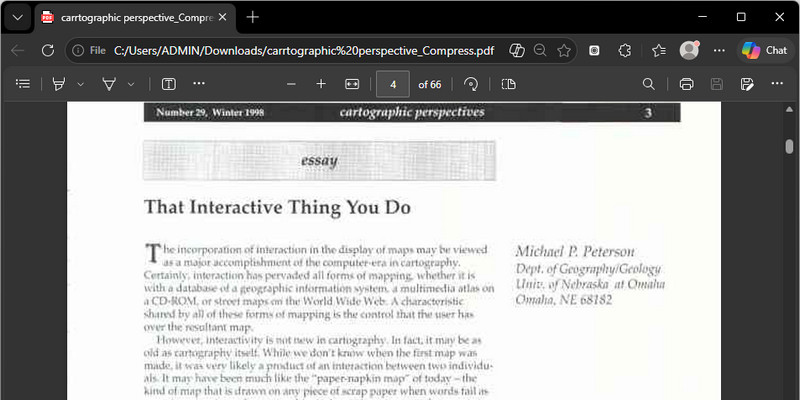
Your work documents—contracts, reports, proposals, and presentations—retain their exact structure even after high-ratio compression. Our engine uses Vector-Level Rendering and Adaptive Layer Flattening to preserve fonts, alignment, and embedded graphics at their original clarity. Even detailed charts and multi-column layouts remain 1:1 identical to the source file.
Technical Metrics
We verify compression quality through forensic benchmarks. Every work document retains professional precision and military-grade security.
Issues You May Face
Understand why some work PDFs do not compress well or keep their quality.
Large Work Files Slow Daily Processes
Large PDF documents take longer to upload, download, and share during busy workdays. Slow file handling delays collaboration and reduces productivity across teams and departments.
File Size Limits Interrupt Submissions
Many platforms restrict large uploads when sending contracts, reports, or project documents online. Failed submissions create extra revision work and slow approval or delivery timelines.
Slow Sharing Affects Team Communication
Oversized PDF attachments can delay email delivery and make document sharing less efficient. Teams will spend more time waiting for files instead of moving tasks forward quickly.
Poor Compression Reduces Document Quality
Incorrect compression settings can lower readability, distort layouts, or affect important business content. Low-quality files create presentation issues and reduce document professionalism in work environments.
Where Compression Is Needed
Discover work situations where large PDFs must be reduced for easy upload.
- For Email and Sharing
- Compress Contract PDFs
- For Internal Team Sharing
- Meet Upload Size Limits
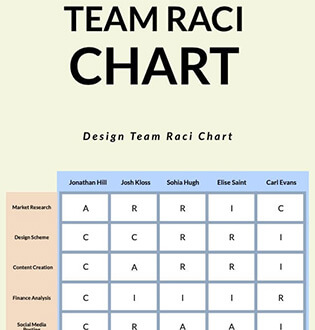
Large business reports with charts, visuals, and detailed data can become difficult to manage across teams. Manual compression slows document sharing and increases the risk of sending oversized files during fast-moving workflows.

What you can do:
Long contracts with many pages often exceed upload and email size limits during approvals or client sharing. However, poor compression settings can reduce readability and create version issues during legal review workflows.

What you can do:
Teams often need to share internal PDFs quickly during daily work activities and collaboration. Large files slow communication and create unnecessary delays when fast sharing is needed.

What you can do:
Upload platforms often reject oversized PDFs during applications, submissions, or document delivery. Last-minute file adjustments can delay submissions and create extra work before deadlines.

What you can do:
Quick Guide to Compress Work Documents
Upload one or multiple PDF files and reduce their sizes quickly, online or with advanced Pro settings for batch compression and quality control.
-
1
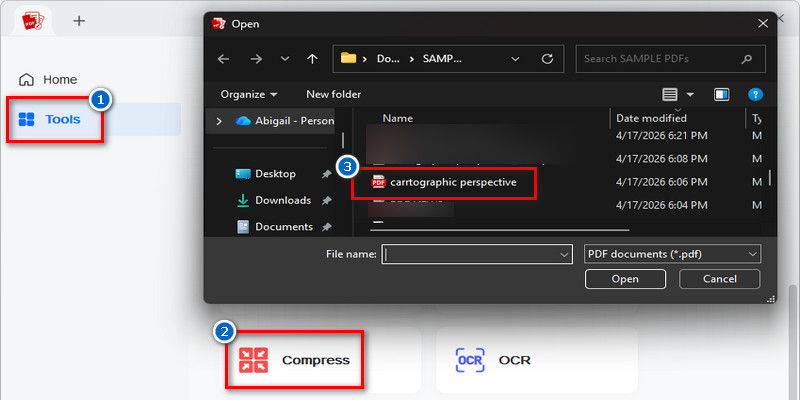
Initialize Single or Multi-File PDF Processing Workflow
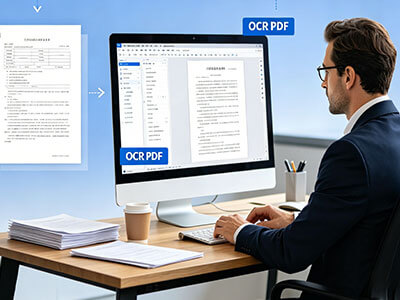
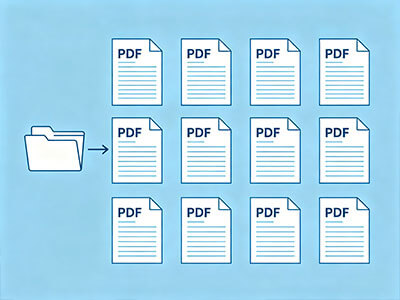
Load one or multiple PDF documents into the compression workspace to prepare them for size optimization. Single-file intake supports quick processing, while batch upload enables structured handling for larger document sets in Pro workflows.
-
2
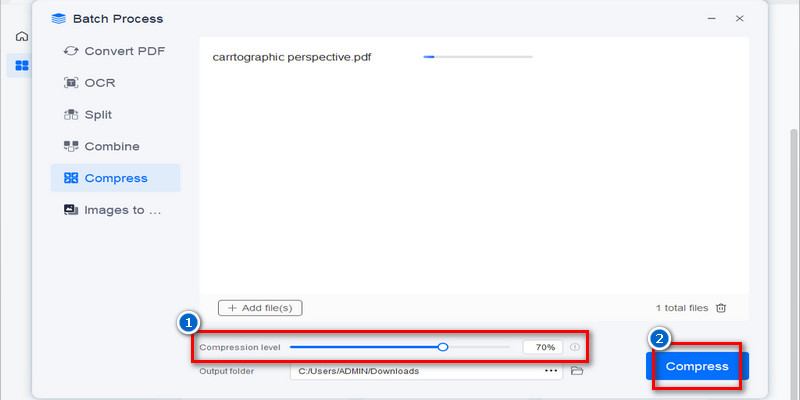
Apply Compression via Online or Pro Optimization Mode
Select Online mode for rapid size reduction or Pro mode for advanced compression control with refined output tuning. Both modes reduce file size while preserving readability for business documents, with Pro offering higher precision over quality balance.
-
3
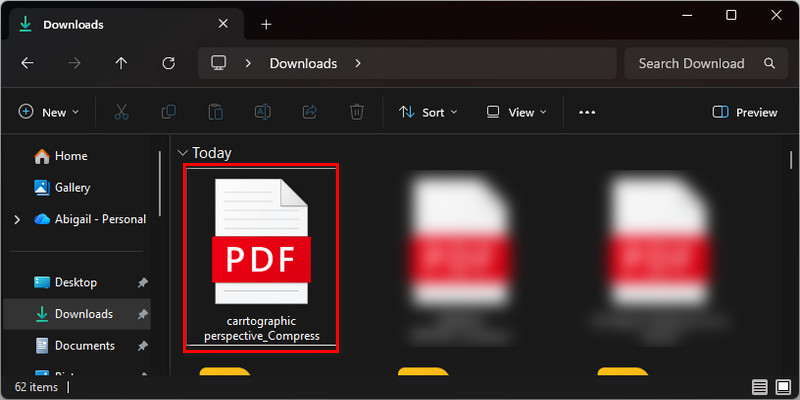
Generate Optimized PDF Outputs for Distribution
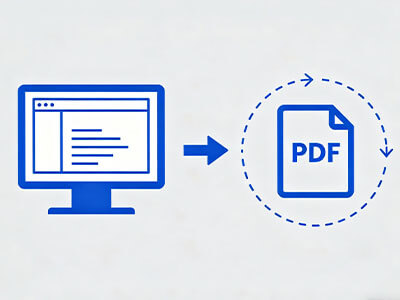
Produce compressed PDF files optimized for email delivery, cloud storage, and web-based sharing workflows. The output maintains document clarity while significantly reducing file weight for faster transfer and access.
-
4
Validate File Integrity After Compression
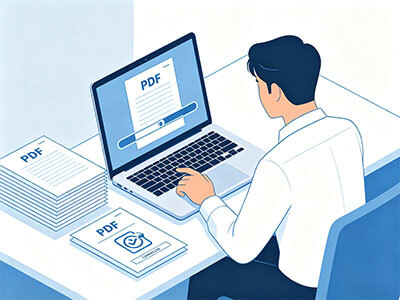
Review the optimized documents to confirm that formatting, readability, and layout structure remain intact after size reduction. This validation step ensures the final files meet professional standards before client or team distribution.














star
star
star
star_half
Why Work Professionals Trust This PDF Compressor
Quality-Safe Compression
Reduce PDF size while preserving text, layout, and visuals for professional use. Consistent document quality ensures reports remain presentation-ready.
Simple File Sharing
Smaller PDF files are easier to upload, email, and distribute across platforms. Efficient sharing supports collaboration during busy workflows.
Batch File Compression
Compress multiple PDFs simultaneously to manage larger document workloads more efficiently. Batch processing minimizes repetitive tasks for teams handling high volumes of files.
Advanced Compression Control
Adjust compression settings to meet file size, quality, or business requirements. Customization optimizes documents for storage, sharing, or submission.
AcePDF - An Intuitive PDF Editor for Any Use














Frequently Asked Questions
How do I reduce a large business report before uploading it to a work system?expand_more
How can I compress a PDF report while keeping charts, tables, and text readable?expand_more
What should I do if a scanned work document remains large after compression?expand_more
How do I prepare multiple PDF reports for internal sharing or client delivery?expand_more
What quality checks should I run after compressing a contract, proposal, or report?expand_more
Compress PDFs Instantly
with Advanced Batch Control
AES-256 Secure Processing • Rated 4.7/5 by Verified Users