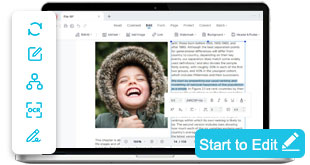

Convert PDFs into editable documents online without installation
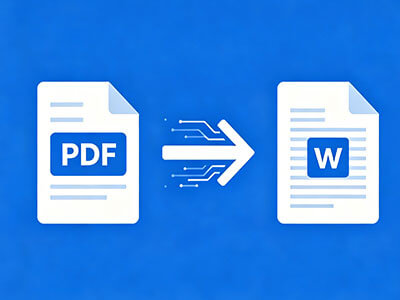
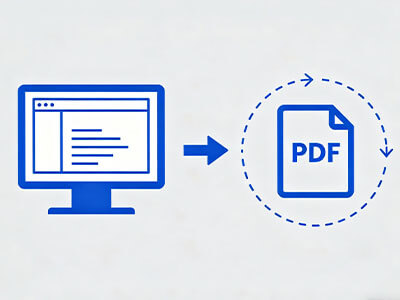
Transform PDF files into Word or editable formats so you can modify text, tables, and layout using standard editing tools. Enable seamless document editing by converting static PDFs into flexible file types compatible with word processors and online editors.
star
star
star
star_half

Convert PDF Directly in Browser
Convert PDFs for Editing with 1:1 Structural Accuracy
Convert PDFs with Precise Layout Preservation
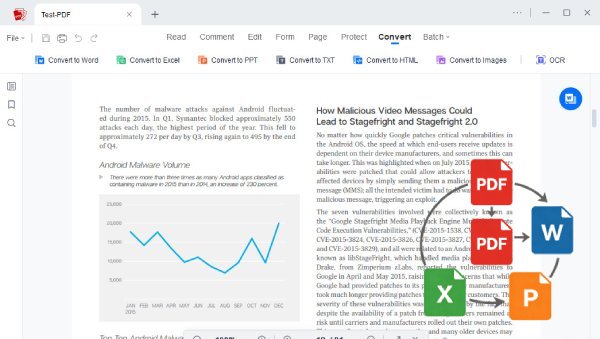
Our engine reconstructs PDFs using Vector-Level Layout Mapping and Semantic Object Reconstruction, ensuring columns, tables, fonts, and images remain perfectly aligned after conversion. The output file maintains 1:1 Layout Integrity, giving you an editable document that matches the original across Word, Excel, and other formats.
Metrics: Accuracy, Fidelity & Processing Standards
Each conversion is validated with measurable, industry-grade benchmarks:
Typical Problems When Converting PDF Files
Converting PDFs may cause formatting errors, missing fonts, or layout changes.
Formatting Breaks After Conversion
Converted PDFs often lose alignment, spacing, or layout structure when turned into editable files. This makes documents harder to work with and requires extra manual corrections.
Limited Editing Control in Free Tools
Basic PDF editors restrict what you can modify after conversion, especially in free versions. Editing becomes inefficient when essential tools, such as layout adjustment or text control, are missing.
Fonts and Visual Elements Change
Editable versions of PDFs often replace original fonts or distort embedded images during conversion. Document consistency is compromised, leading files to appear different from the originals.
Slow and Unstable Editing Experience
Large or complex PDFs often take too long to process before they become editable. Compatibility issues across formats can also disrupt smooth editing workflows and slow productivity.
Common Scenarios for Using a PDF Converter
Convert files easily for sharing, editing, and storage needs.
- Edit Legal Contracts
- Modify Reports
- Update Resumes
- Revise Documents
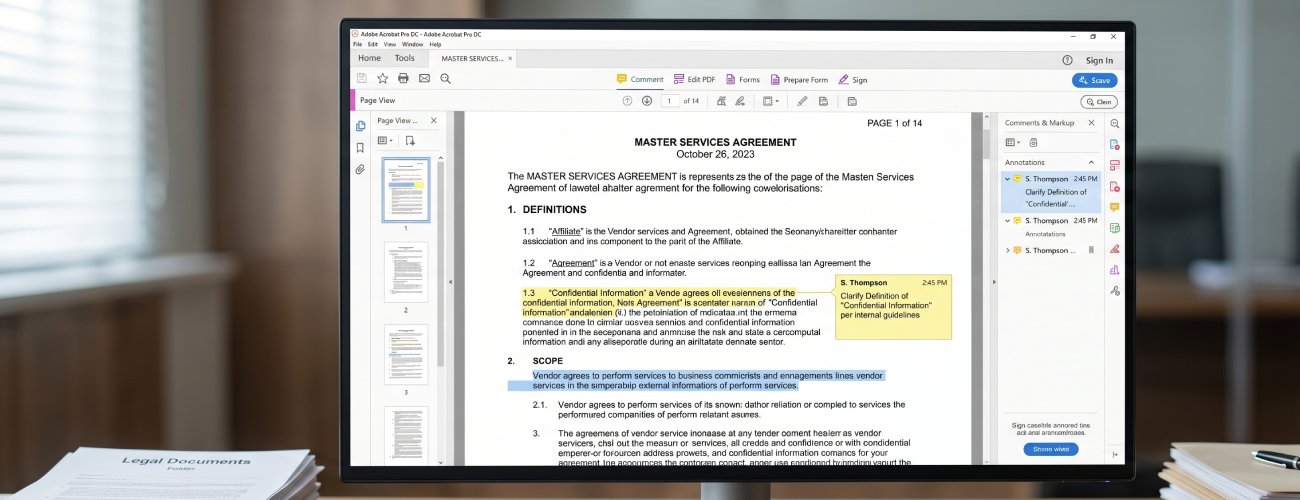
Contract edits often require precise changes to clauses, dates, and terms without breaking the document’s original layout. Even small adjustments can misalign formatting and reduce document clarity.
What you can do:
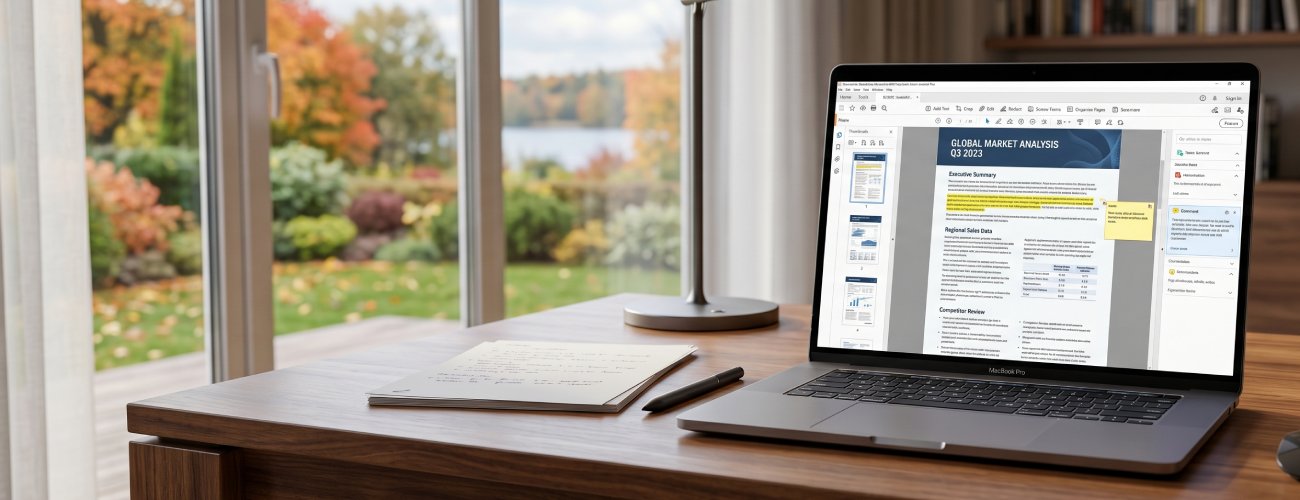
Editing reports becomes difficult when updates affect tables, charts, or structured sections. Formatting issues can also appear when content is adjusted after conversion.
What you can do:
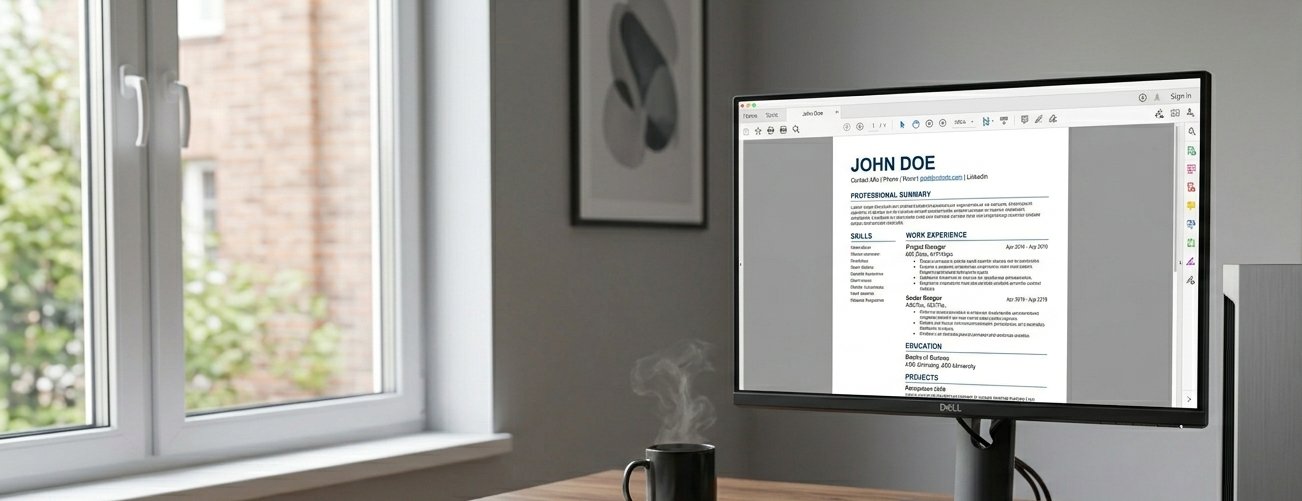
Resume updates require frequent edits, but layout shifts can make documents look unprofessional. Maintaining formatting consistency is critical when adding new experience or skills.
What you can do:
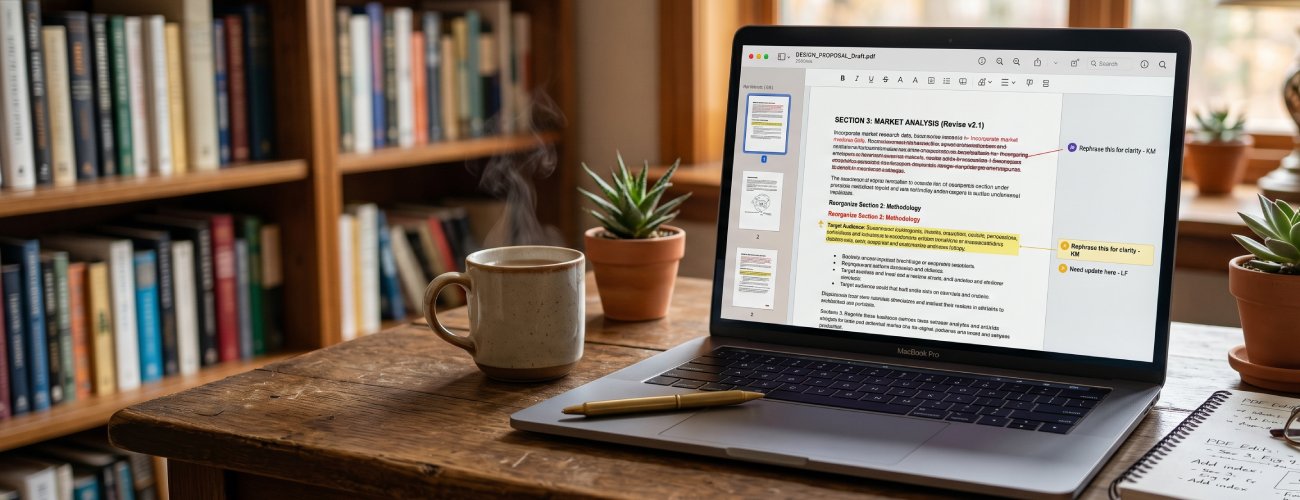
Revising PDF documents often forces users to redo formatting after making content changes. Even minor edits can affect spacing, fonts, and alignment.
What you can do:
How to Convert PDF Document for Editing
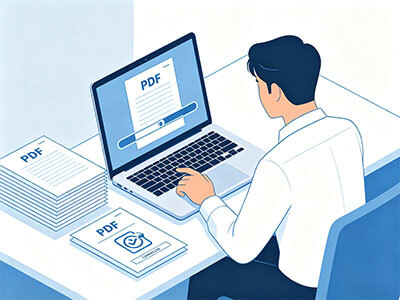
Upload your PDF files, such as contracts, reports, resumes, or invoices, and convert them to editable Word, Excel, or other document formats, so you can easily modify content while preserving structure and layout.
-
1
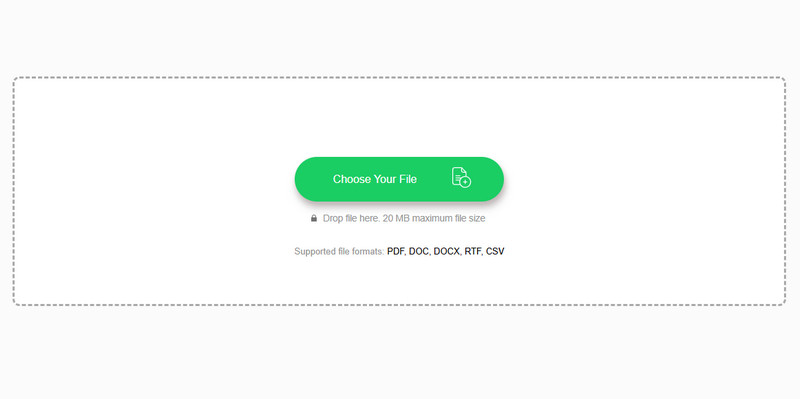
Initialize Browser-Based PDF Conversion Workspace
Prepare the document for processing in a browser-based conversion environment designed for structured file transformation. This enables consistent handling of layouts, text, and visual elements before format changes are applied.
-
2
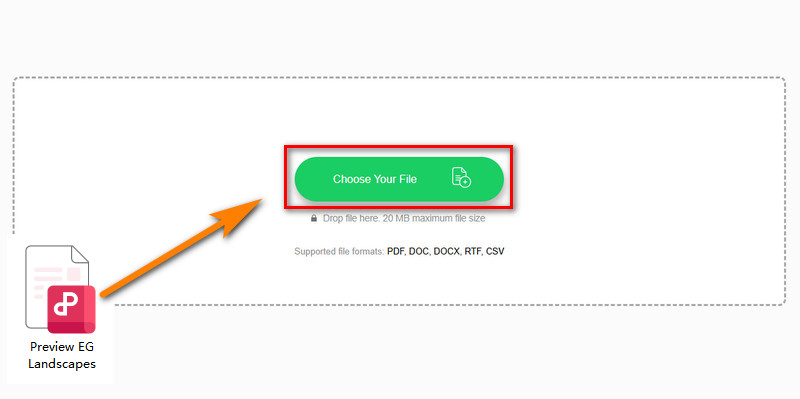
Import PDF for Structured Format Processing
Load your PDF from local storage to prepare it for conversion to editable document formats. The system retains layout elements such as text positioning, images, and tables during intake.
-
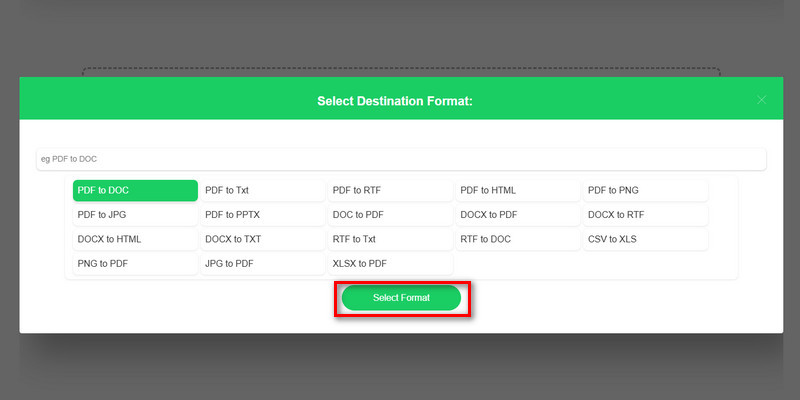
3
Execute Format Transformation to Editable Output
Convert the document into formats such as Word or Excel to enable direct content modification and data restructuring. This step restructures static content into editable layers while preserving core document integrity.
-
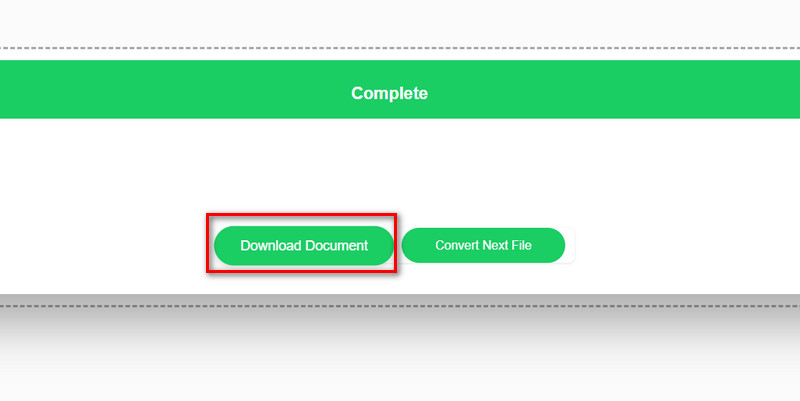
4
Export Editable File for Immediate Editing Workflow
Generate the final output file for download and verify structural consistency across text, tables, and visual elements. This ensures the converted document is ready for immediate editing and professional use.








star
star
star
star_half
Why People Trust PDF Conversion Tools
Maintain Document Formatting Integrity
Your PDF is converted into a fully editable format that preserves text, structure, and formatting. You can confidently make changes without breaking the original document layout.
Edit Layout Without Distortion
Fonts, spacing, and design elements stay consistent when you edit your converted file. This ensures your document remains visually intact and professional after changes.
Protect Sensitive Content Workflows
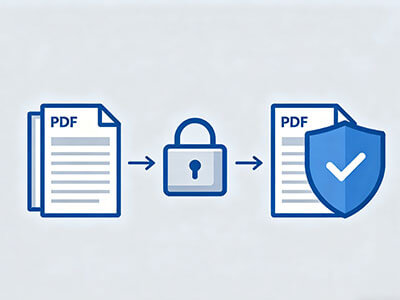
Your files are processed safely during conversion and are automatically removed after completion. Sensitive content stays protected throughout the entire editing process.
Enable Instant Browser Editing
Convert and edit PDFs directly from your browser on any device without limitations. Your documents stay accessible and ready for quick updates whenever needed.