menu

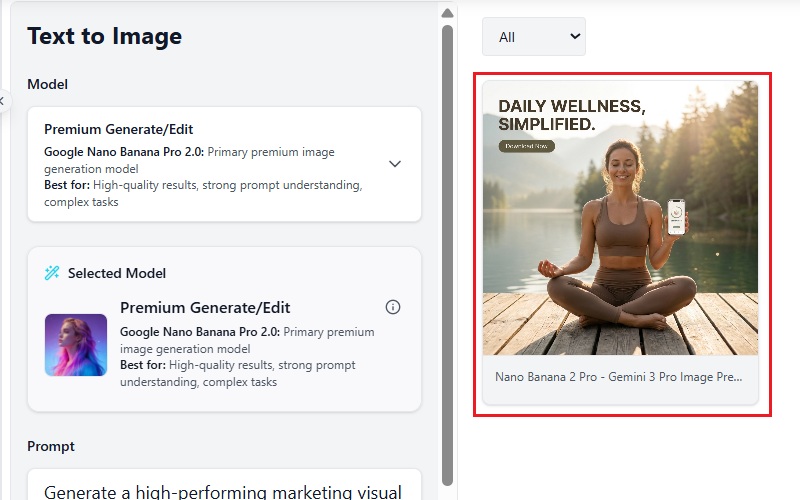
Generate Campaign-Ready Marketing Visuals with AI
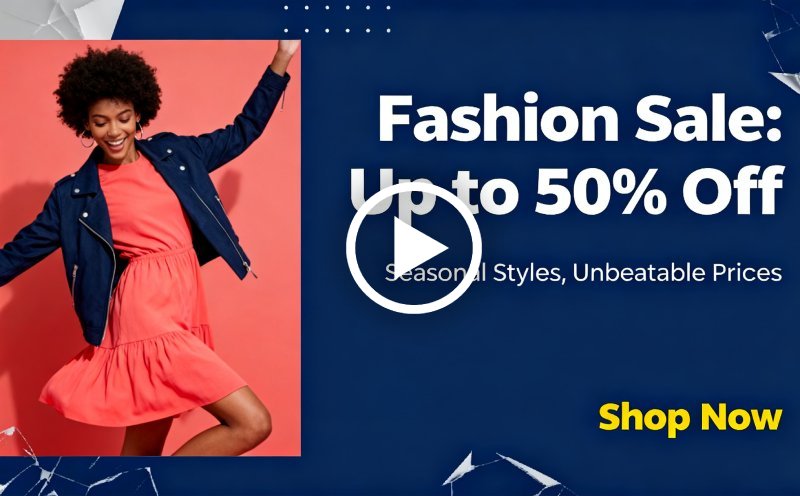
Create social ads, ecommerce promotions, display banners, email graphics, and branded campaign visuals from simple prompts in minutes.
AI Image Generator for Marketing
Or drop image here, paste image or URL
Try with one of these

AI Marketing Images for Growth

photo_library

Digital Marketers

Creating campaigns across multiple channels requires a constant stream of engaging visuals. AI-generated images help support promotions, strengthen messaging, and reduce creative production time.
temp_preferences_custom

Advertising Teams

From display ads to social campaigns, compelling graphics play a key role in attracting attention. Image generation tools help produce original marketing assets more efficiently.
movie

Startup Founders

Limited budgets often make professional design resources difficult to access. AI-generated visuals provide a cost-effective way to create marketing content and build brand awareness.
sync

Content Marketing Teams

Publishing blogs, advertisements, and social content requires fresh visual assets. Custom-generated images help capture audience interest and support ongoing content strategies.

Generate Marketing Images by Scenario

Explore AI workflows designed for real marketing campaigns, advertising assets, and branded promotional visuals.

shopping_bag

Social Media Ads

Generate scroll-stopping Instagram, Facebook, LinkedIn, and TikTok ad visuals using Nano Banana Flash for rapid campaign drafts and Photo Filters for consistent branded aesthetics.

  • check_circle Create multiple ad creative variations for A/B testing campaigns.
  • check_circle Keep campaign visuals visually consistent across every social platform.
  • check_circleGenerate platform-ready visuals for stories, reels, posts, and carousel ads.
  • check_circleBuild stronger visual hooks with AI-generated layouts, colours, and compositions.
video_library

Display Advertising

Create high-impact banner ads optimized for websites, Google Display, and retargeting campaigns.

  • check_circle Generate banner creatives for websites, mobile placements, and retargeting ads.
  • check_circle Create high-contrast visuals optimized for display advertising performance.
  • check_circleDesign multiple ad dimensions for campaign consistency across placements.
  • check_circleMatch visuals with offers, seasonal campaigns, and audience targeting goals.
brush

Product Promotions

Create high-conversion ecommerce visuals for product launches, seasonal sales, and promotional campaigns designed to increase clicks, engagement, and sales performance.

  • check_circle Generate product launch graphics for ecommerce stores and online campaigns.
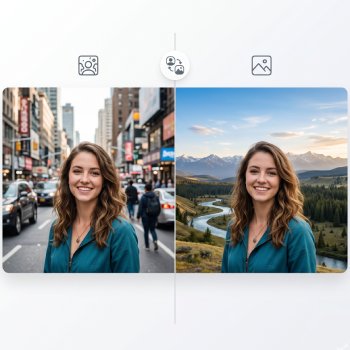
  • check_circle Place products into premium campaign scenes using Background Changer.
  • check_circle Test multiple campaign styles before publishing your promotion.
  • check_circle Produce product launch graphics for ecommerce stores and online campaigns.

How To Generate Marketing Visuals With AI

Create campaign-ready ads, banners, and promotional graphics in three simple steps.

  • 1

    Describe Your Campaign

    Enter your product, audience, platform, visual style, and marketing message to generate tailored campaign visuals.

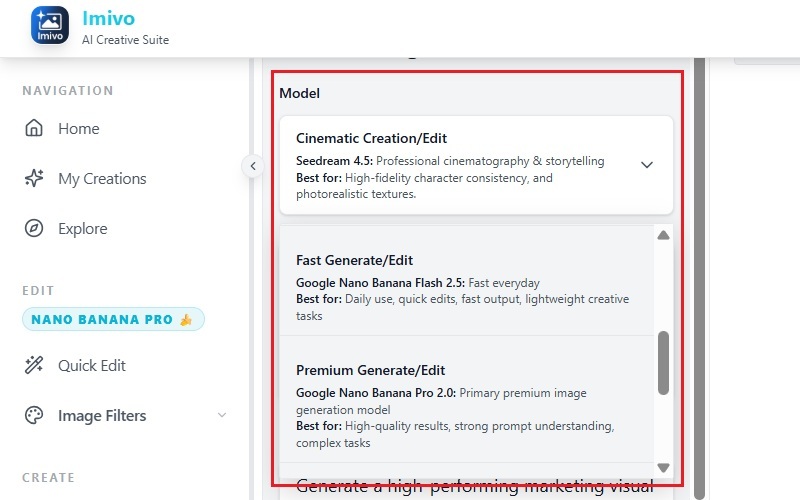
  • 2

    Generate Marketing Visuals

    Use AI models like Nano Banana Flash, Nano Banana Pro, or Seedream 4.5 to create social ads, promotional graphics, and branded campaign assets.

  • 3

    Refine and Export

    Apply Photo Filters for consistent branding, use Background Changer for promotional scenes, then export ready-to-use marketing visuals for campaigns, ads, and ecommerce.
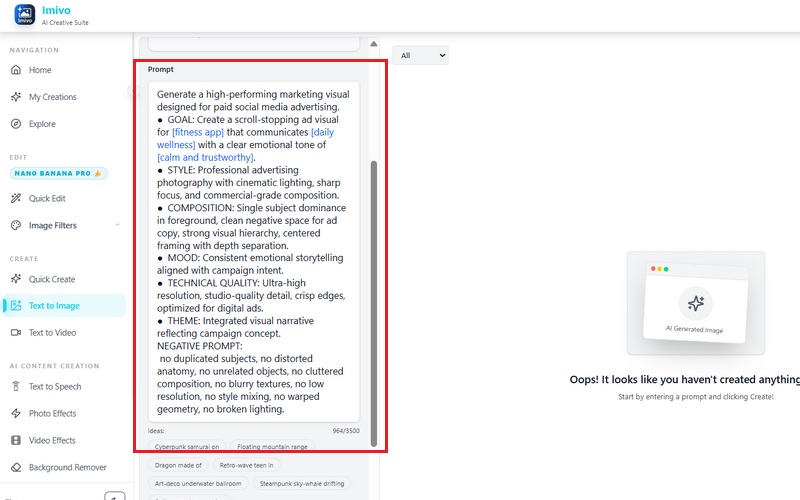
Describe Your Campaign
Generate Marketing Visuals
Refine and Export Image

Why Teams Use AI for Campaign Visuals

bolt
Faster Campaign Drafting

Generate multiple ad concepts, banner layouts, and promotional graphics before launching campaigns.

verified_user
Consistent Brand Style

Use Photo Filters and reusable campaign aesthetics to keep branding aligned across social media, email marketing, ecommerce, and display ads.

school
Ready for Every Platform

Create AI images for ads and promotions sized for social, email, websites, and display advertising.

school
Multi-Platform Campaign Output

Create campaign visuals optimized for Instagram, Facebook, ecommerce stores, display advertising, websites, and email marketing.

Frequently Asked Questions

How can I generate marketing visuals for campaigns using AI?expand_more

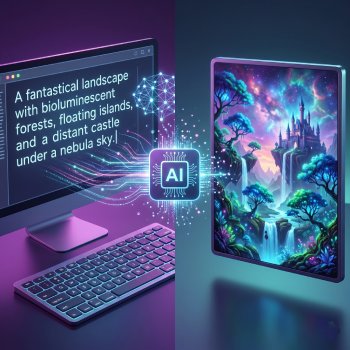
You can generate marketing visuals using the tool's Text-to-Image feature. The workflow allows users to enter a custom prompt describing the campaign visual they want to create, including subject, style, composition, colors, lighting, and format requirements. The tool also provides access to multiple image generation models, including Google Nano Banana, Seedream, and others, allowing users to create different visual styles for ads, social media graphics, banners, and promotional content.

Which AI models are best for high-converting ad creatives?expand_more

Different AI models produce different visual styles and output quality depending on the campaign goal. Google Nano Banana is suited for clean marketing visuals and realistic compositions, while Seedream can generate more stylized or creative ad concepts. Choosing the right model depends on the type of creative needed, such as ecommerce product ads, lifestyle imagery, promotional banners, or branded social media content. Users can switch between models to compare composition, detail quality, and visual consistency.

Can I quickly generate multiple variations of the same concept?expand_more

Yes. The Text-to-Image feature allows users to reuse a single prompt to generate multiple image variations with distinct outputs. Although the platform generates one image at a time, image generation is quick, allowing multiple campaign concepts to be produced in a short period. Users can also adjust small parts of the prompt, such as background style, camera angle, lighting, or color palette, to create alternative ad creatives while maintaining the same overall campaign concept.

How do I write prompts that produce campaign-ready images?expand_more

Campaign-ready prompts should include specific visual instructions instead of broad descriptions. Effective prompts usually define the subject, product placement, background style, lighting, camera framing, color palette, aspect ratio, and intended marketing use. For example, prompts can specify “Instagram ad layout,” “ecommerce product shot,” “cinematic lighting,” or “minimalist banner design.” The more detailed the prompt structure, the more aligned the generated image will be with campaign requirements.

Can I generate images that match my brand identity?expand_more

Yes. The Text-to-Image feature allows users to generate images that align with brand identity by controlling visual elements directly in the prompt. Users can specify brand colors, image style, typography direction, composition preferences, lighting style, and product presentation guidelines. Reusing structured prompts also helps maintain visual consistency across multiple campaign assets and ad variations. The platform also includes tools like Background Changer and Photo Filters, which can be used to apply consistent backgrounds, visual tones, and styling across marketing creatives without manually editing each image.
Smooth Ceramic Vase

Smooth Ceramic Vase
Hot Cocoa Mug Stack

Hot Cocoa Mug Stack
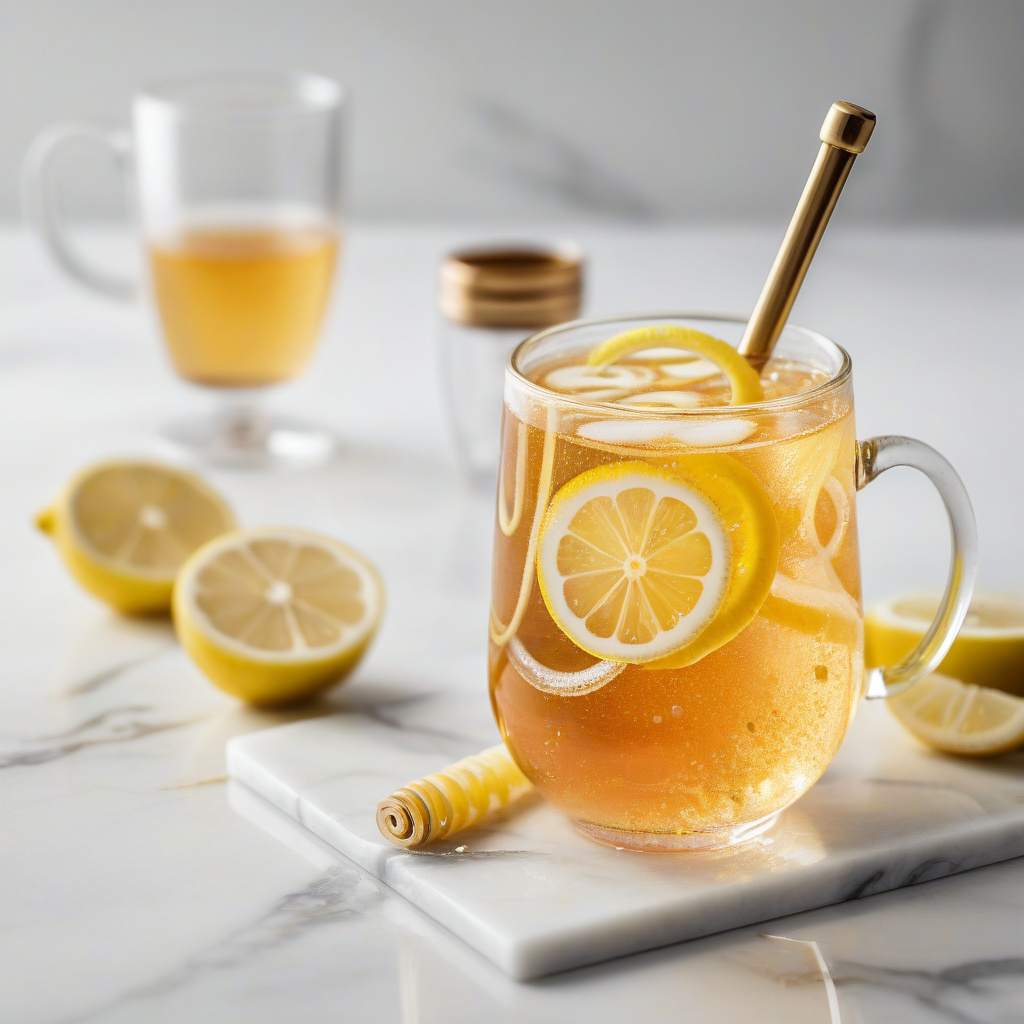
Lemon Sparkling Tea

Lemon Sparkling Tea
Repeating Textile Pattern

Repeating Textile Pattern

Start Creating Marketing Visuals Today

Generate ad creatives, ecommerce promotions, and campaign-ready marketing visuals in seconds.

No installation • Instant access
Back to Top
Contact Us
Learning Center